PAGES
ECO Manual
137
Modify a Custom Page
When you select the APPLE key from your CORE vocabulary, you will see the
FOOD Activity Row where you can select many of the food items that are in your vocabulary.
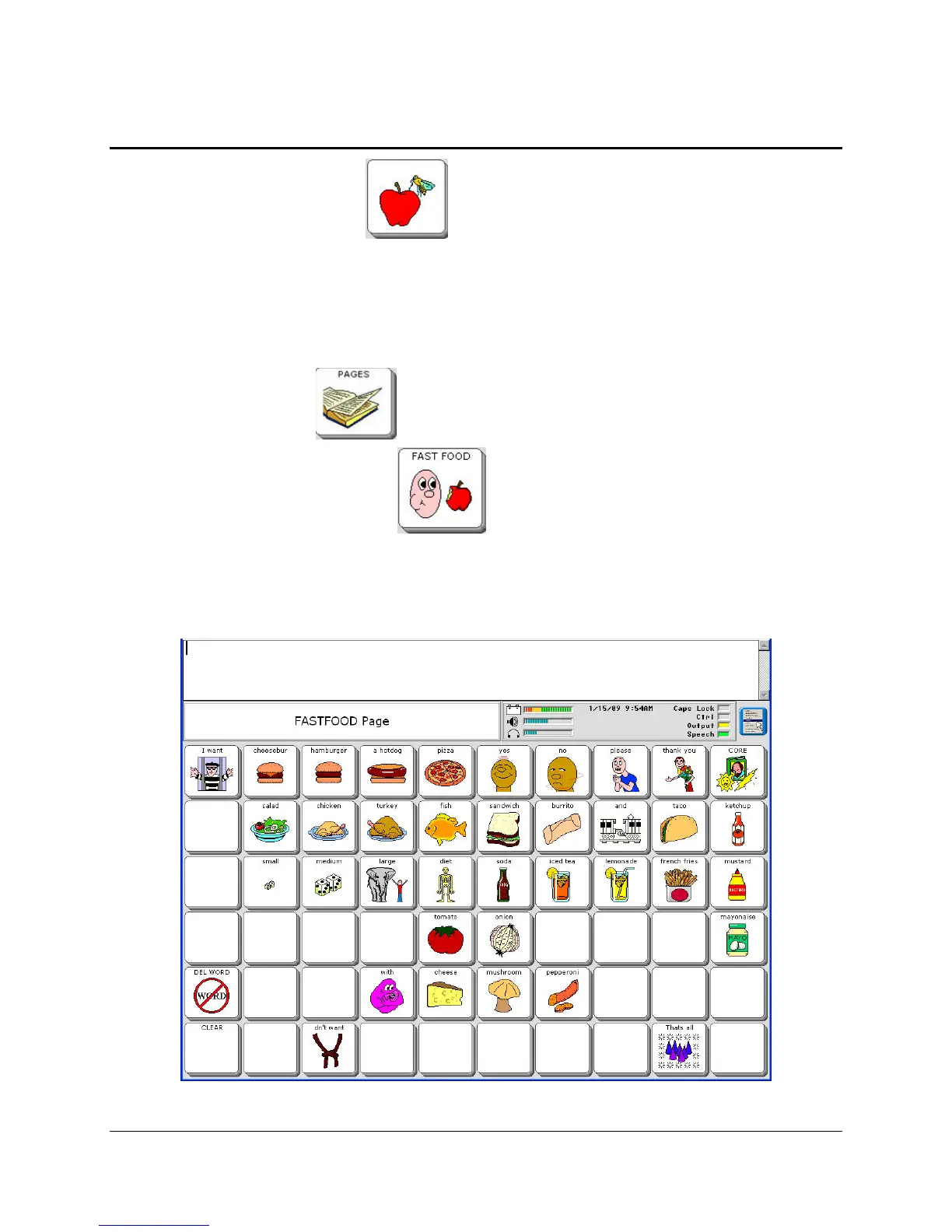
Sometimes, though, it is nice to have your most requested food items on a single Page. For
example there is already a FAST FOOD page stored in your device. Let's add a new fast food
item to that Page.
1. Select the PAGES key from your CORE overlay.
2. Now select the FAST FOOD key
3. You see the FAST FOOD page. Let's add "Pancakes" to this Page.



 To Next Page