CALCULATOR
Eco Manual
196
Using the Calculator
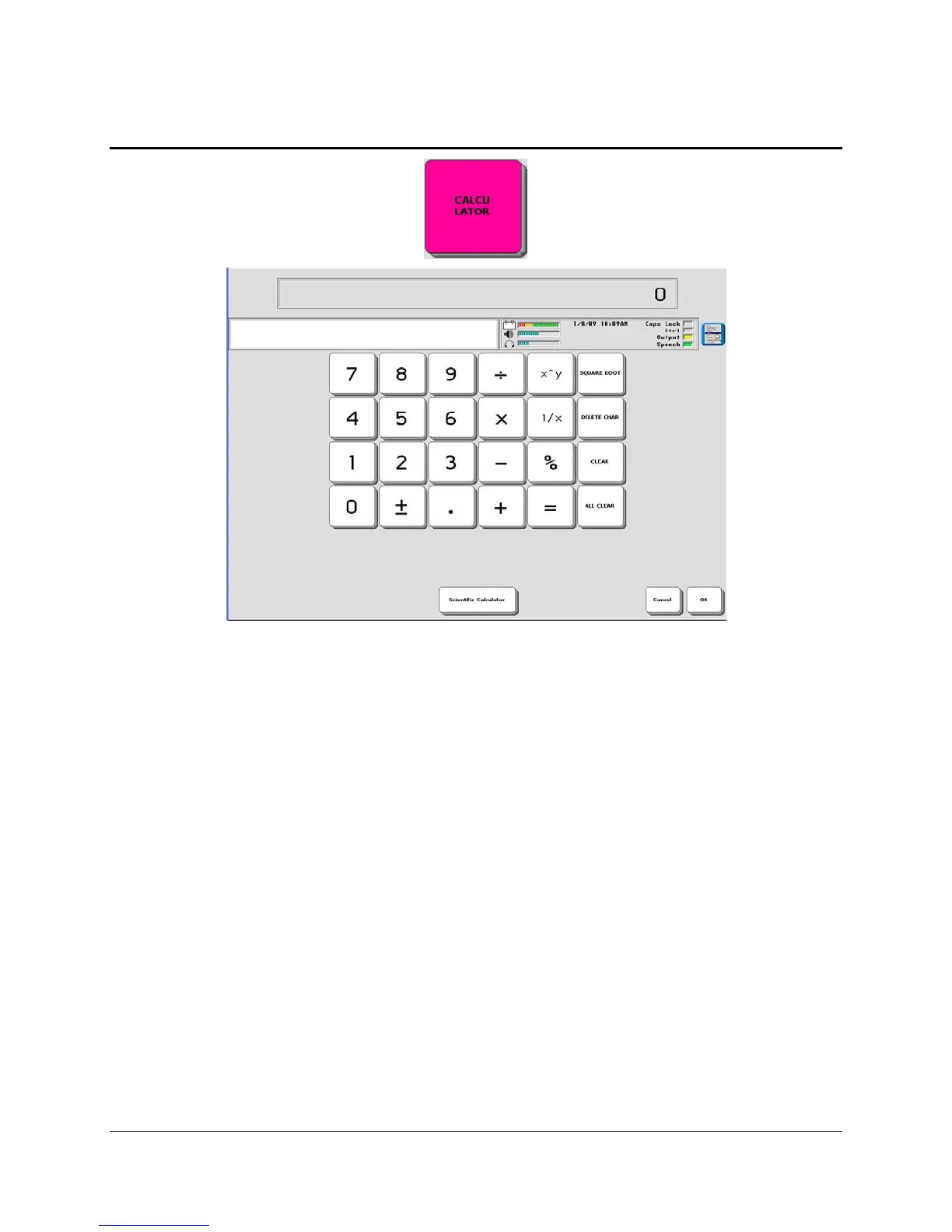
The calculator works just like many other calculators on the market. The screen you see here
shows the regular calculator. There is also a scientific calculator for more advanced/technical
problem-solving.
CLEAR clears the current entry.
ALL CLEAR clears an entire problem.
Always activate the ALL CLEAR key before starting any new problem.
The OK Key:
The OK key exits you from the calculator and returns you to the workspace or to an open
Notebook. It also copies the answer to your last problem and puts it in the Text Display Area of
your workspace or Notebook.
If you want to exit the Calculator without copying an answer:
Activate the Cancel key at any time.
You can also activate the ALL CLEAR key to clear a problem and then activate the OK or
Cancel keys.
If you do not want your device to speak the problems, turn the speech OFF.



 To Next Page