GETTING ACQUAINTED WITH YOUR ECO
ECO Manual
21
Different Ways to Turn your Device Off
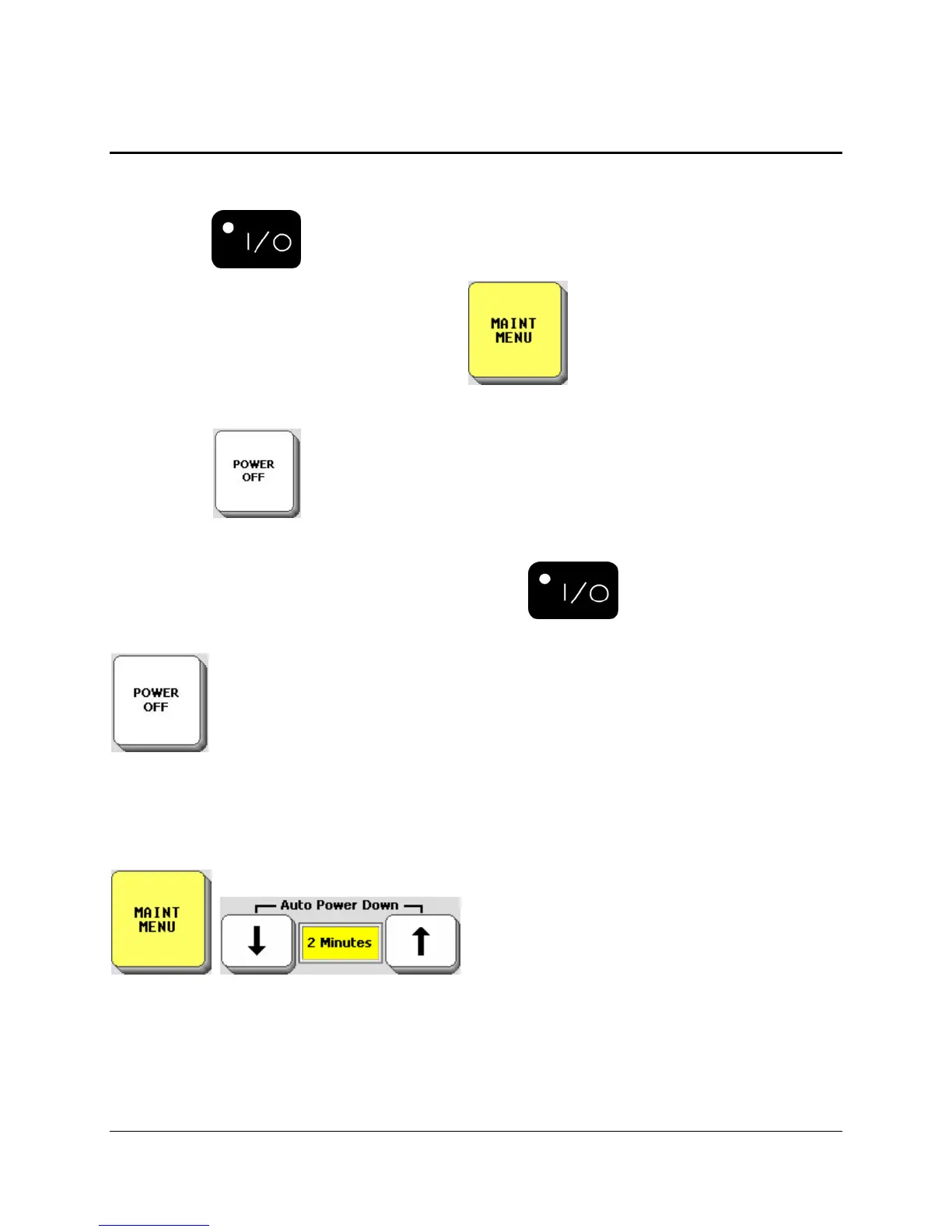
You can turn your device ON and OFF by:
Pressing the ON/OFF button;
Selecting the Auto Power Down option in the MAINTENANCE MENU;
Selecting the POWER OFF key in the Toolbox.
When you turn the device off with the ON/OFF button , you must turn it back on
using with the ON/OFF button.
If you would like to be able to turn the device off yourself but can’t press the
ON/OFF button, you can go to the Toolbox and select POWER OFF or store the POWER
OFF tool on your communication overlay.
To turn the device back on simply tap on the screen or activate a switch.
The Auto Power Down option automatically turns the device off after the amount of time you
set has passed.
When your device is idle (no key activations) for 2, 5 or 10 minutes, the backlight will dim on
your display. Activate any key or switch to bring it back.



 To Next Page