SETTING UP YOUR DEVICE
ECO Manual
73
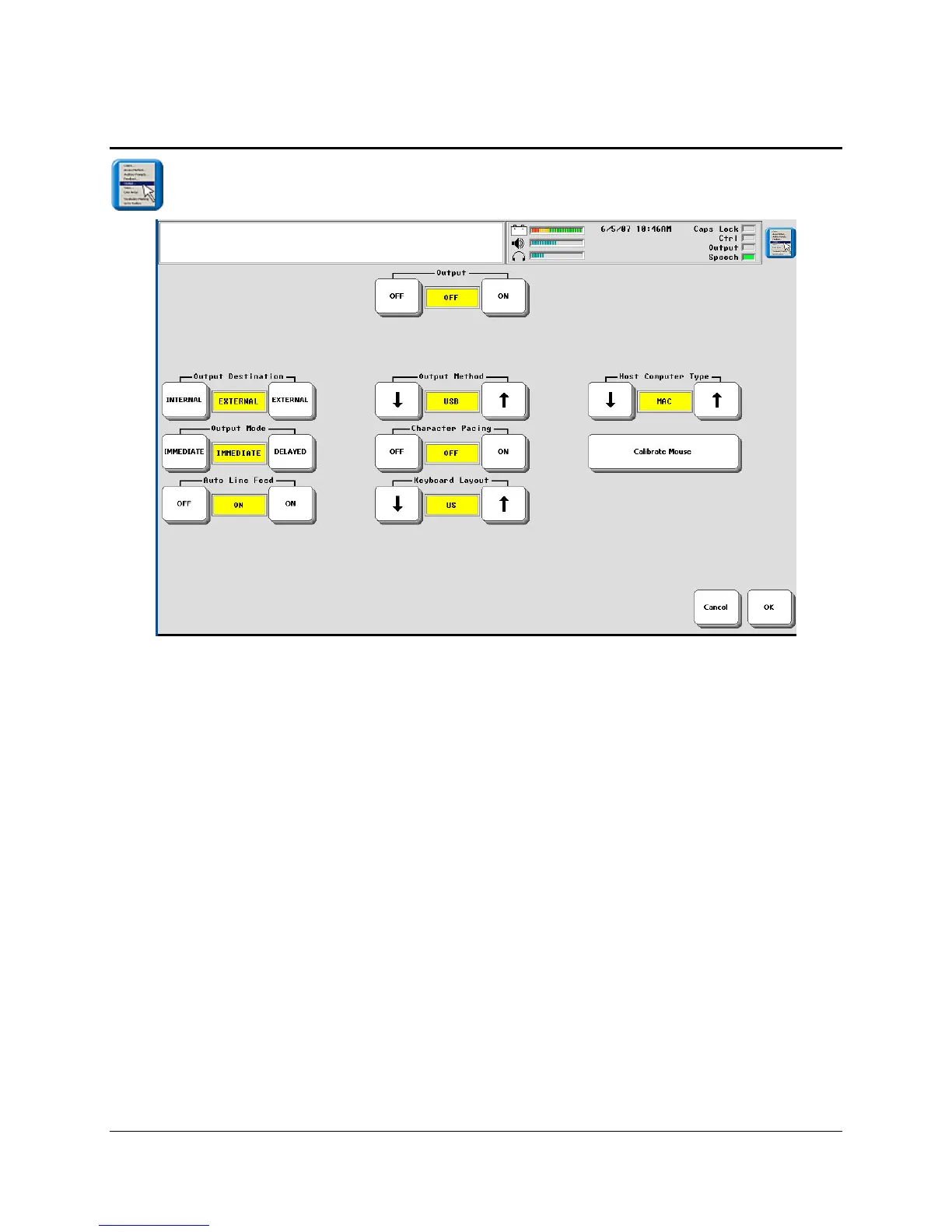
The OUTPUT MENU
You will use this menu if you purchased the integrated ECO which has an internal computer.
You will also use it if you connect to an external computer or printer.
The Unity computer access overlays have keys assigned to either automatically turn output on
and off or allow you to do it when you are using a computer.
OUTPUT MENU Options
Output
When you are using the internal computer or when you are connected to an external device that
can receive information from your ECO, you must have the Output option turned ON.
Output Method
This option allows you select how you are connected to an external device: IrDA is a wireless
connection to an IrDA printer; Bluetooth indicates you are using the PRC Bluetooth adapter to
connect to a computer; USB indicates you are using a USB cable to connect to a computer; IRR
indicates that you are using the PRC infrared receiver to send signals to your computer.



 To Next Page