INTERNAL COMPUTER
Eco Manual
255
To Begin Computer Access
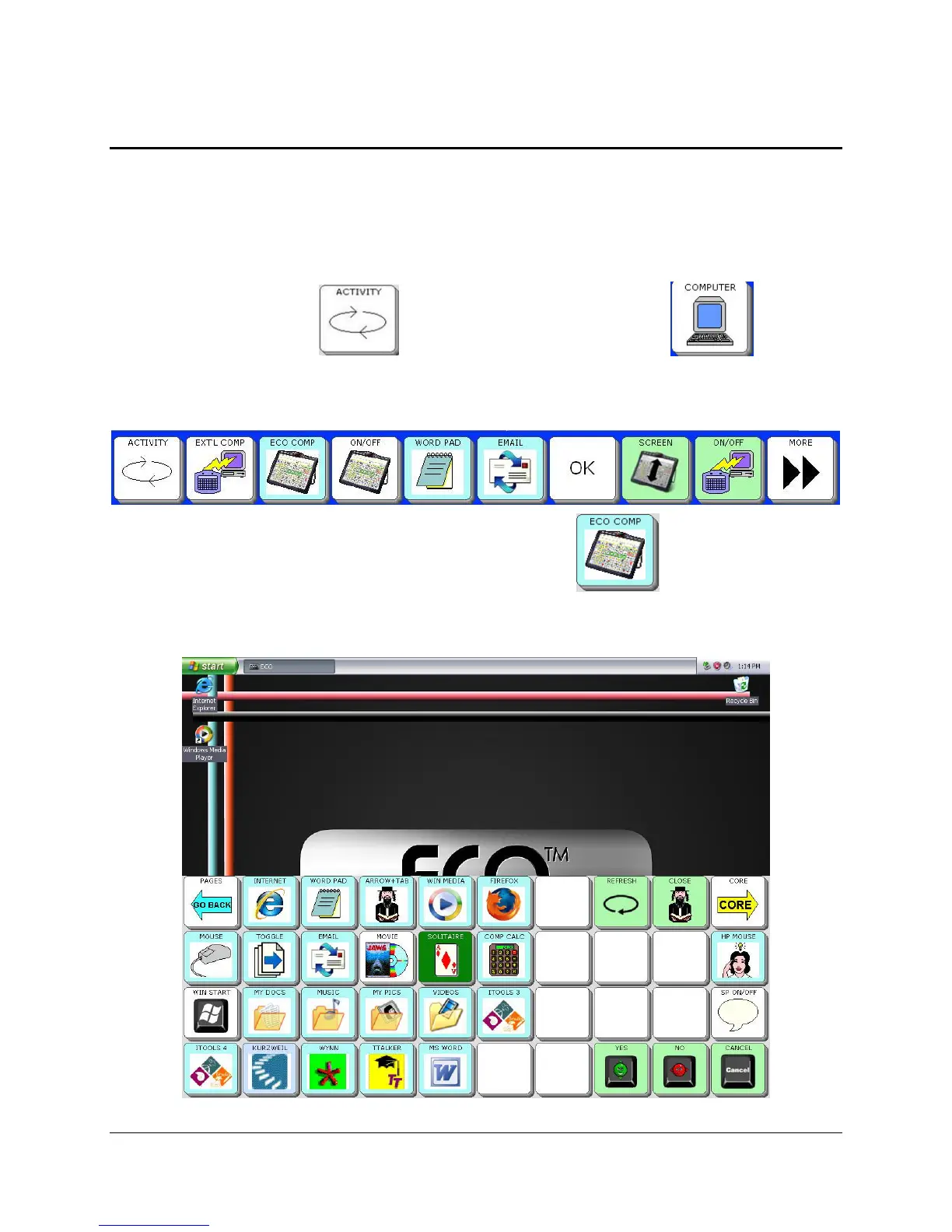
Computer access is available from the Activity Row and also from a Computer Page.
Computer Activity
Select the ACTIVITY key . Then select the COMPUTER key .
You see the Computer Activity Row:
To turn the internal computer On select the
ECO COMP key .
When you select the
ECO COMP key, your device automatically turns the computer output on,
takes you to the internal computer and minimizes the Computer Programs Page.



 To Next Page