INTERNAL COMPUTER
Eco Manual
256
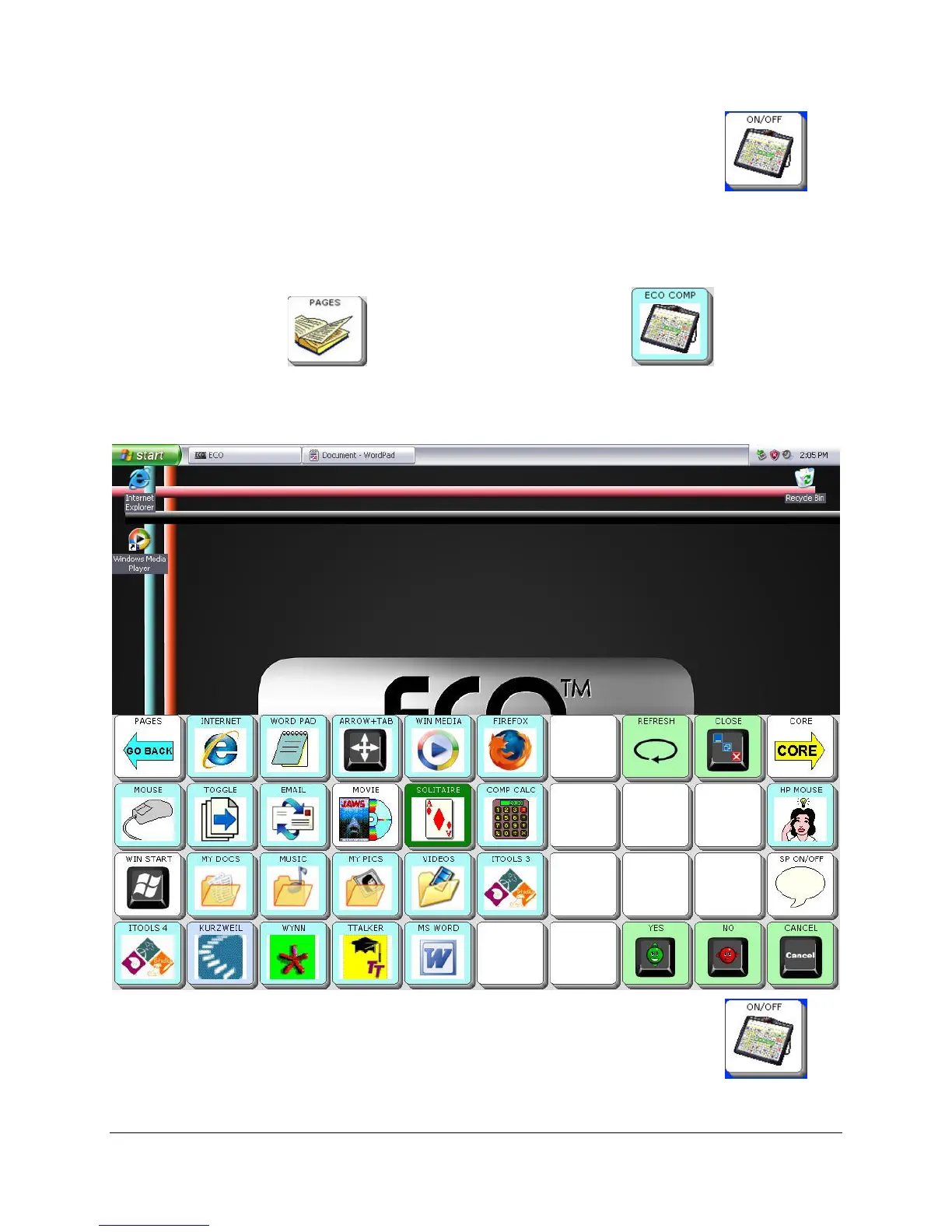
You can turn the internal computer OFF by selecting the Computer ON/OFF key
from the Computer Activity row. (Select the
CORE key to go to the Computer Activity row.)
Computer Access from the Computer Page
Select the PAGES key . Then select the ECO COMP key .
When you select the
ECO COMP key, your device automatically turns the computer output on,
takes you to the internal computer and minimizes the Computer Programs Page.
You can turn the internal computer OFF by selecting the Computer
ON/OFF key
from the Computer Activity row. (Select the
CORE key to go to the Computer Activity row.)



 To Next Page