TRANSFER MEMORY MENU
Eco Manual
213
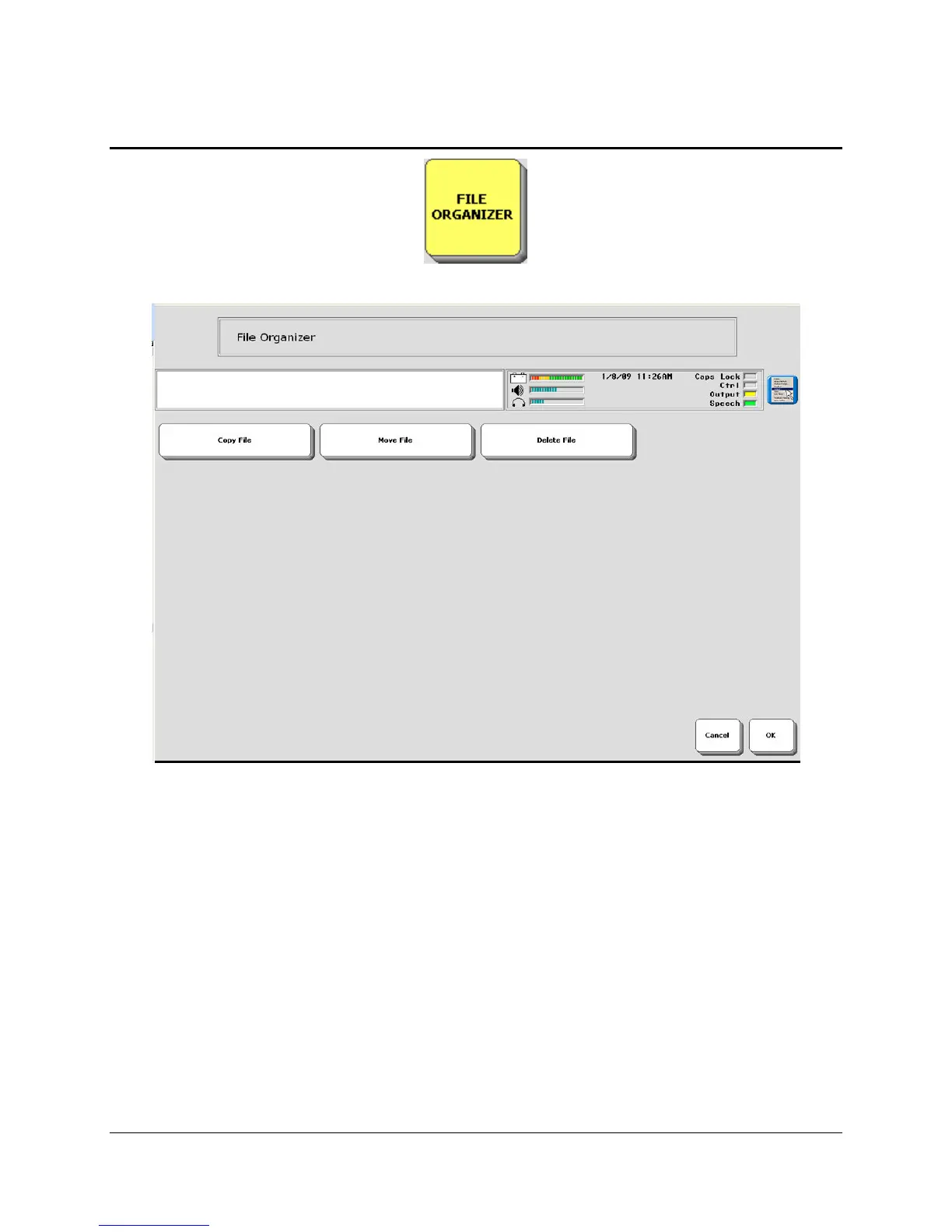
Using the FILE ORGANIZER
The
FILE ORGANIZER menu allows you to copy and move files from one memory device
(USB or internal hard drive) to another or move files onto one memory device into folders on the
same device. You can also copy and delete files.
Perhaps you use the internal hard drive as a permanent storage area in your device. However,
your
USB drive frequently travels between your device and your computer because you use it to
download files from your computer and then put them in your communication aid and vice-
versa.
You would like to be able to easily transfer files from your USB to your hard drive so that you
don't have to have the USB drive plugged into your communication aid in order to listen to songs
or access other files. The
FILE ORGANIZER MENU allows you to do this.



 To Next Page