INTERNAL COMPUTER
Eco Manual
238
Using your Communication Aid as a Remote Control
With its built-in infrared (IR), your ECO can learn infrared signals for any device you own that
has a remote control. This includes a TV, CD player, VCR, toys, etc. You teach your ECO the
remote control signals and then store the commands for the signals on your overlay.
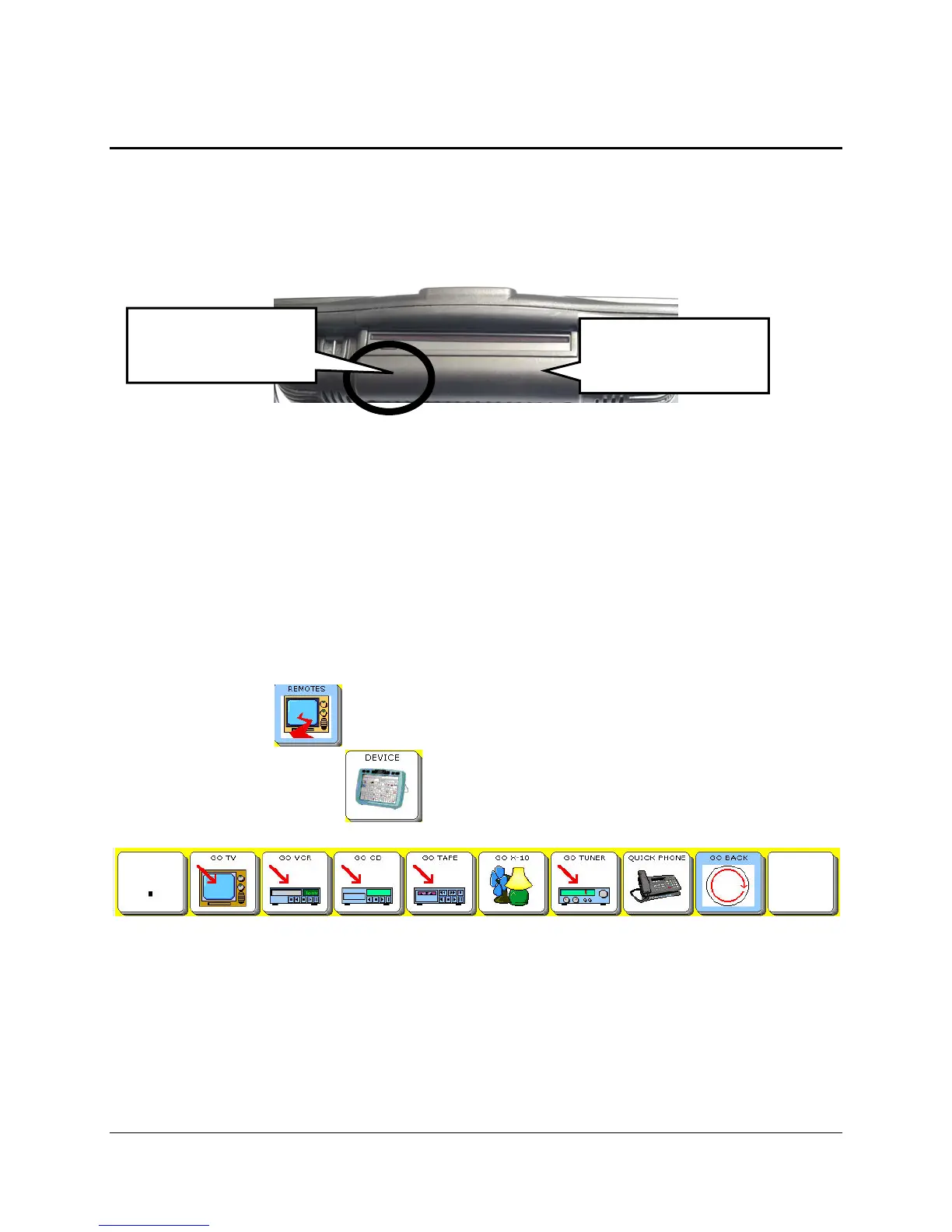
The IR window is the rounded area under the DVD player on the top back of your device. If you
want to teach a remote control signal, you point your remote control at the left corner of this
window (see picture above.). If you want the send a signal your device had learned, make sure
the IR window is facing in the general direction of the appliance you want to send the signal to.
You will have to teach your communication aid the remote control signals for any appliances
you want it to control except the X-10 and EZ Phone. It already knows the X10 and EZ Phone
signals.
Your device already has a
REMOTES Activity which contains the basic functions for a number
of remote control devices such as a TV, VCR, TIVO, CD player, etc. These pages already have
pre-stored commands and icons on them.
The
REMOTES key may be by itself in the Activity Row or stored under the
DEVICE or MY TOOLS key depending on the overlay you are using.
REMOTES
Activity
There is also an insertable tool called
IR REMOTE that functions like a universal remote. You
can access all of your remote control appliance signals from one page. You can store this tool
under an icon sequence or add it to the
REMOTES activity.
Important Note: When you have completed teaching remote signals to your device, we
highly recommend that you save your entire device memory so that you do not have to re-teach
the signals if something should happen to your device's memory.
Learning IR area
Sending IR area



 To Next Page