GETTING ACQUAINTED WITH YOUR ECO
ECO Manual
23
About the Batteries in your ECO
Always use the battery charger that came with your device. Any other charger may
damage your batteries.
If you plan to store your device for a month or more without using it: put the unit in
Shipping Mode. Open the MAINTENANCE MENU in the Toolbox. Select Battery Menu and
then select Shipping Mode. Unplug the battery charger and store it in a safe place.
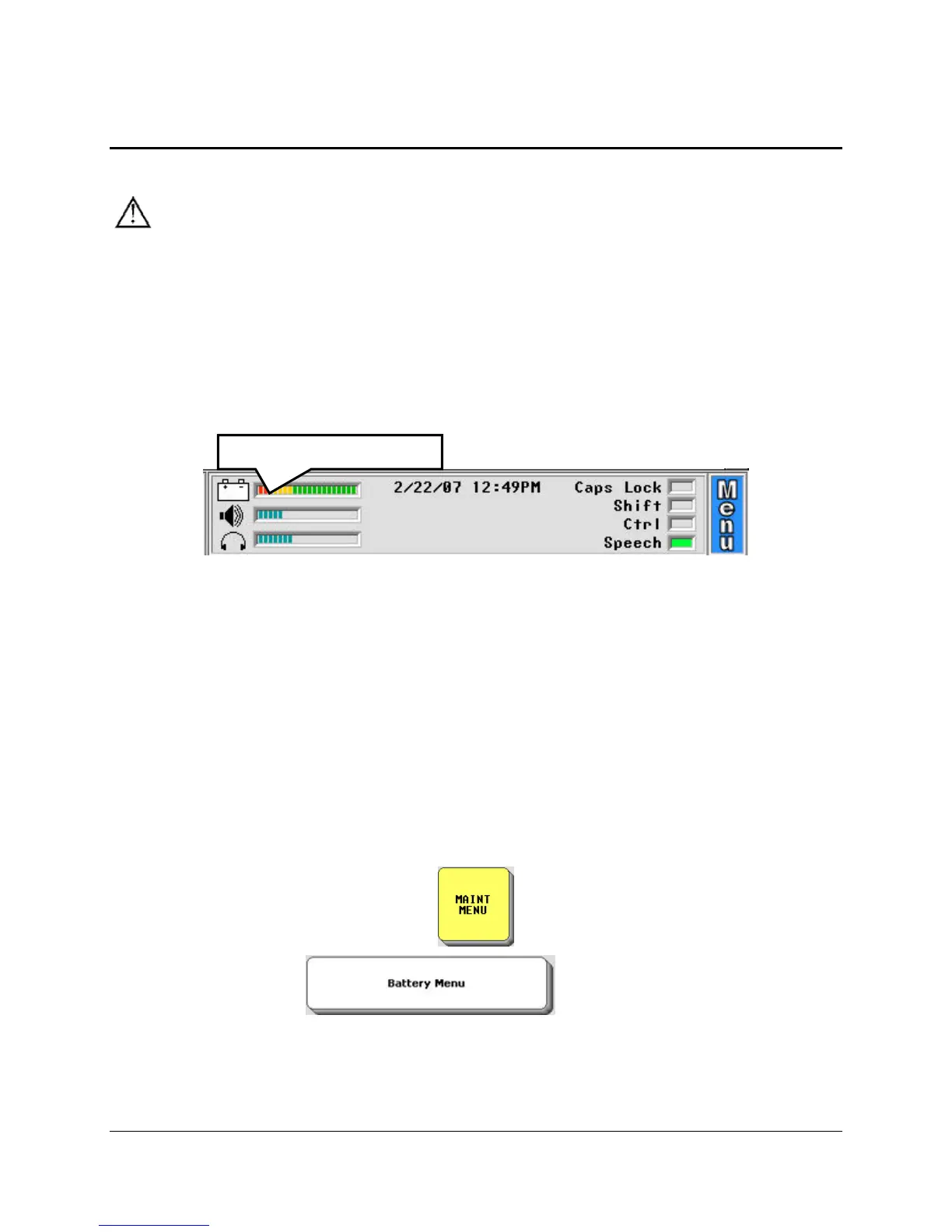
Check your battery status in the Status Display Area
The Battery Status bar graph in the Status Display Area on your screen gives you the following
information:
Full Battery: mostly green lines, a few red, a few yellow
Plug in Charger: no green lines at all
Nearly Dead: red lines only (plug in charger now)
Charger Plugged in: blue lines
The Battery Menu
Go to the Toolbox and select the MAINTENANCE MENU
Select the Battery Menu
option.
Batter
Status Gra
h



 To Next Page