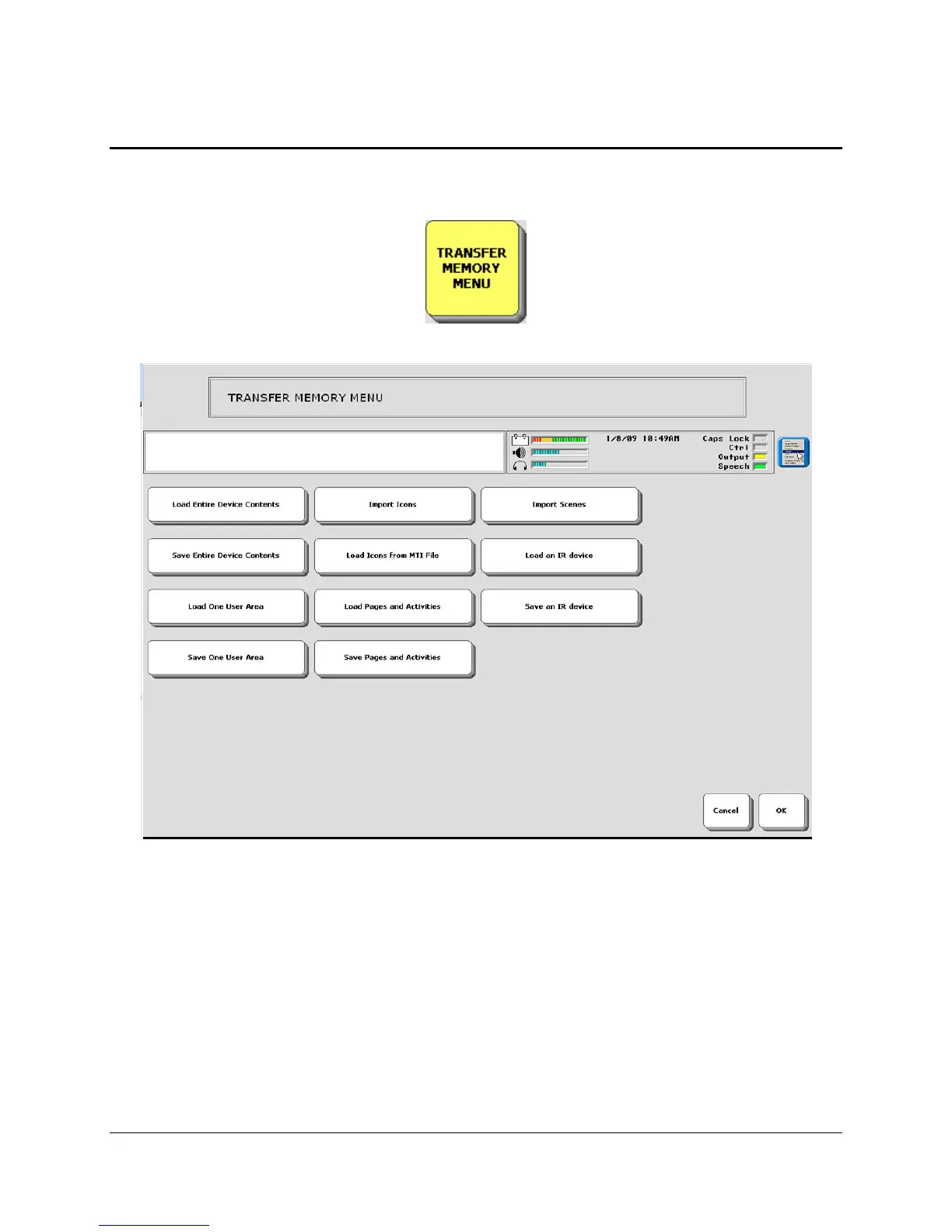
TRANSFER MEMORY MENU
Eco Manual
206
About Memory Transfers
You will use the
TRANSFER MEMORY MENU when you want to save your device's
memory; import icons; load icons from another MTI file; load or save a Page; Import Scenes; or
store files in a Directory.
For vocabulary backups (saving vocabulary in an Area or in the entire device), you must
use a USB flash drive, a flash card or the longer USB cable that you connect to your computer
('removable media'). You
may not save vocabulary backups on the ECO hard drive. Some other
options in the
TRANSFER MEMORY MENU may be saved to the ECO's hard disk, if you
want to do that.



 To Next Page