PAGES
ECO Manual
152
Add Links to other Pages on your Scene Page
You can put a link to another Page on your Scene Page.
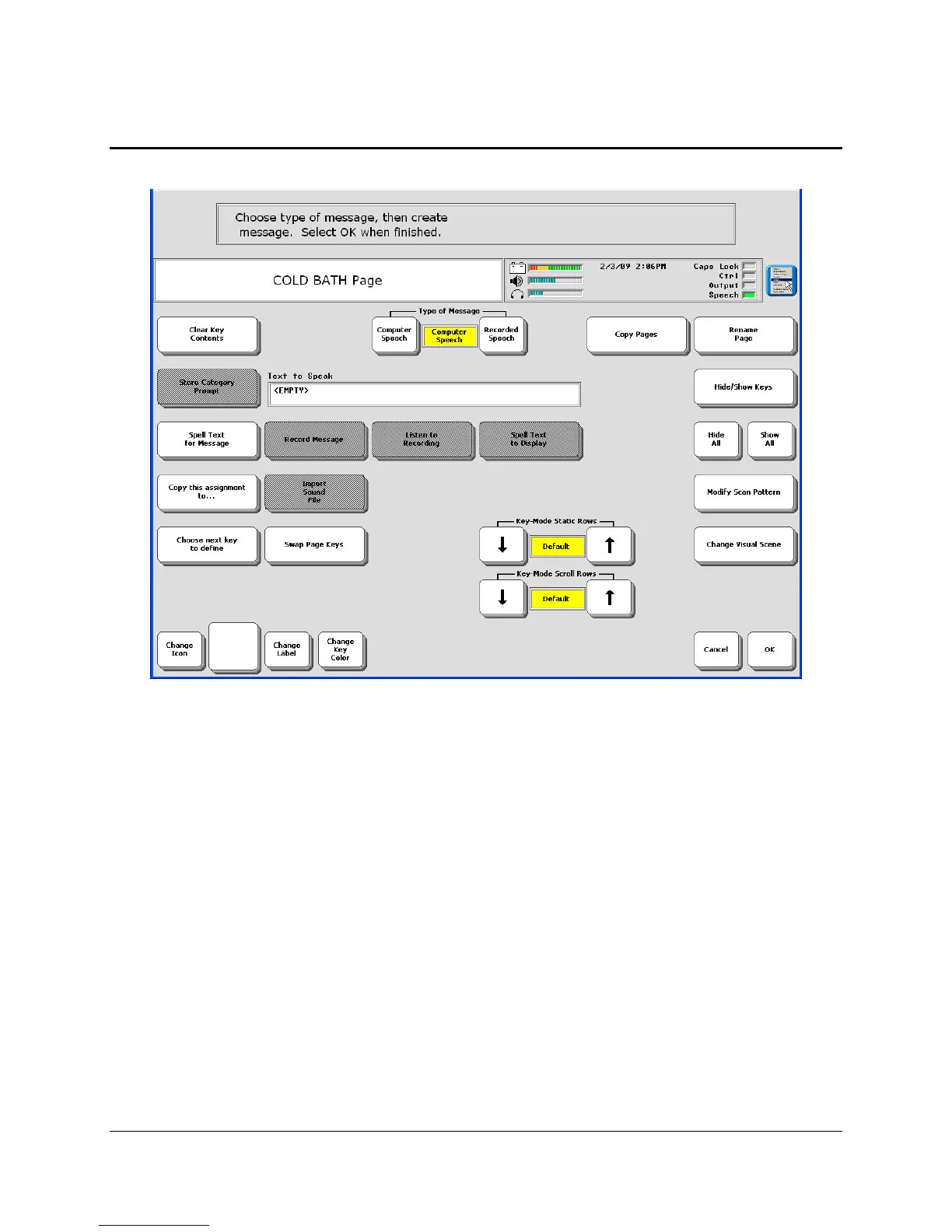
1. Set Type of Message to Computer Speech.
2. Select Spell Message….
3. Select PAGE LINK.
4. Select the Page you want to link to.
5. Change the label, icon, color, etc., if you wish.
6. Select OK when you are finished.



 To Next Page