PAGES
ECO Manual
151
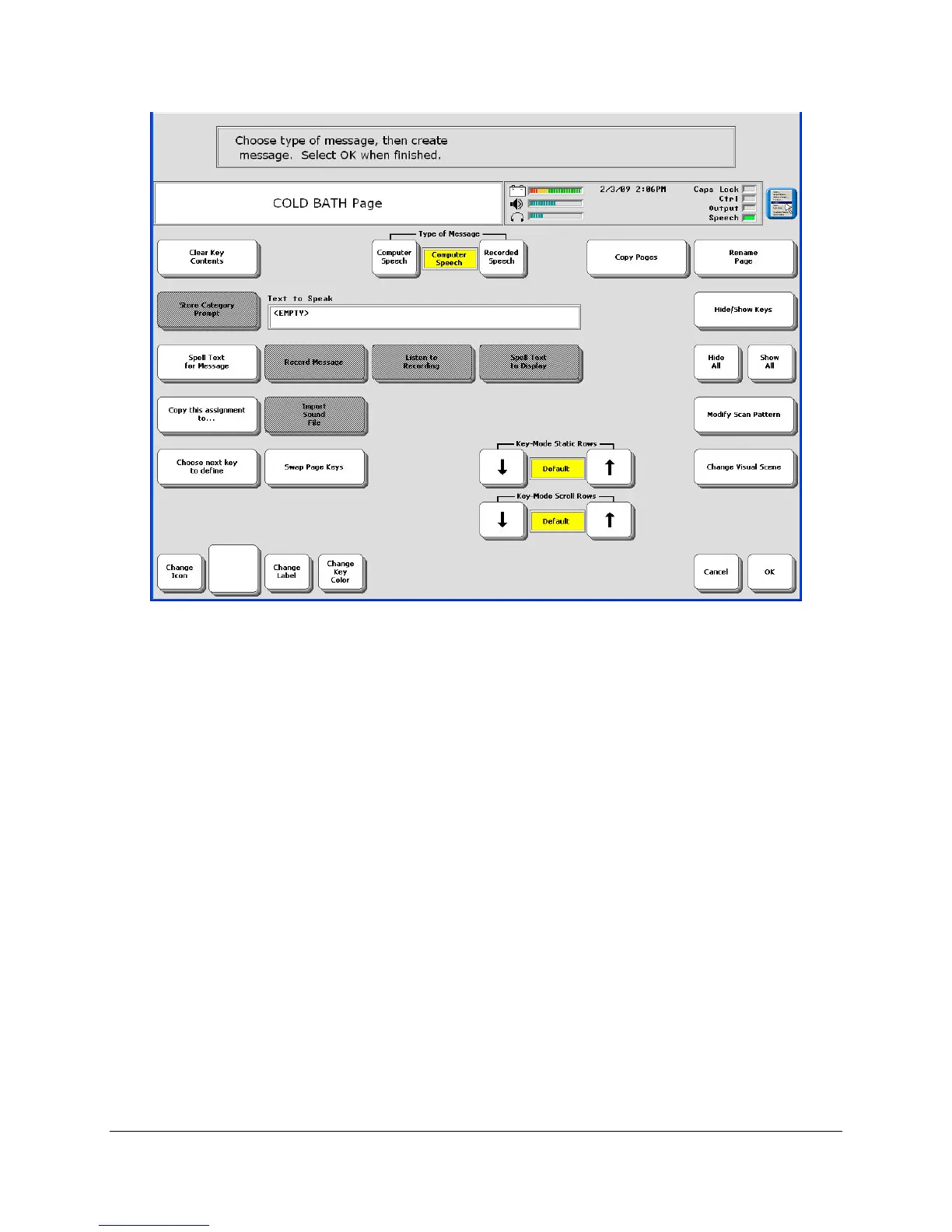
19. Select Choose next key to define and begin to program the keys just as you would any other
page.
• If you want to add a sound effect to a key, you may either record a sound or import a
WAV or MP3 file. Change Type of Message to Recorded.
• Create links to other pages.
• Define a scan just for this page by using Modify Scan Pattern (see Appendix D
beginning on page
282).
20. Select OK when you have completed your scene.
You can create customized block scanning for a scene page. See Appendix D beginning on
page 282.



 To Next Page