REVIEW VOCABULARY
ECO Manual
177
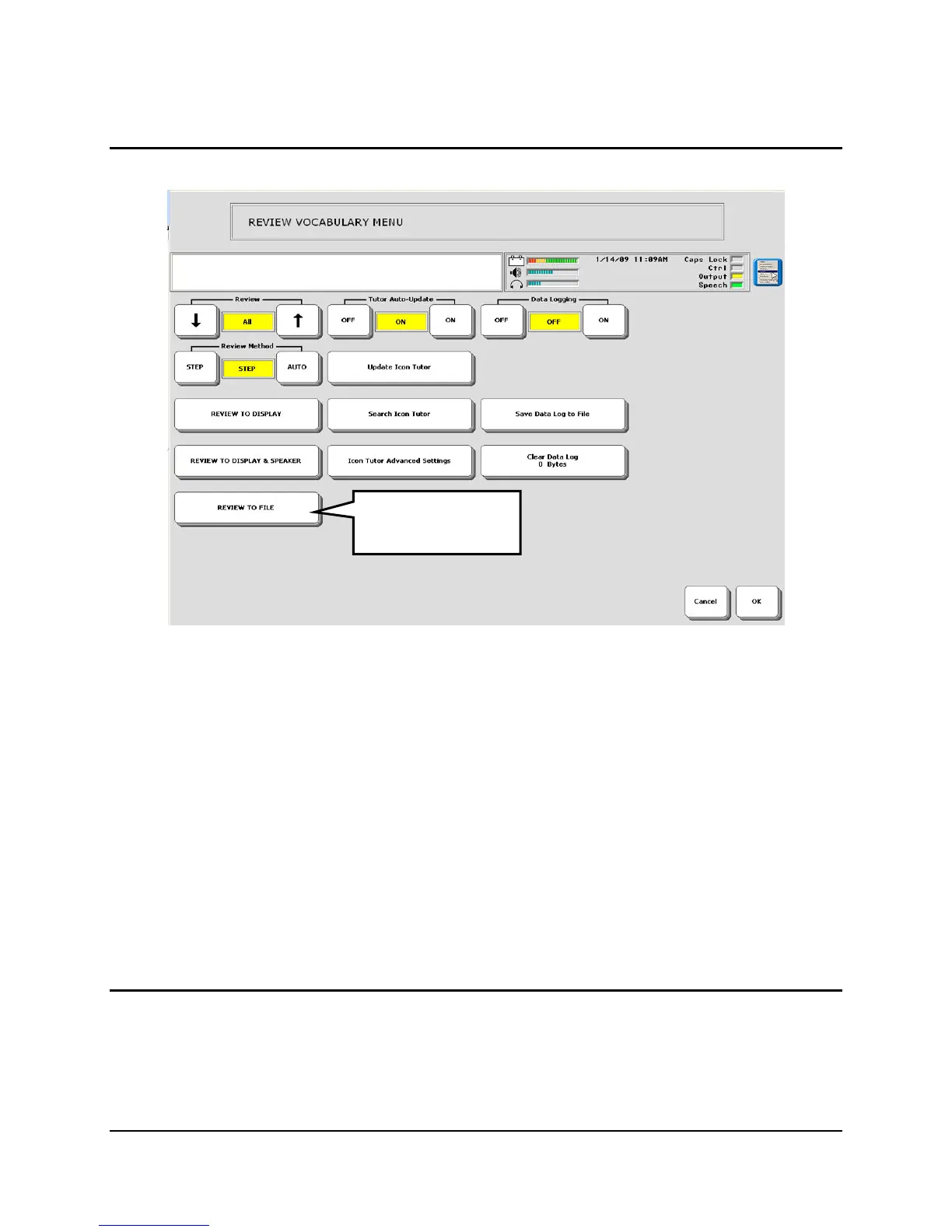
Using the "Review to File" Option
You can also review the vocabulary in your ECO with the Review to File option. This will save
the review to a USB drive or flash card or to a folder on the ECO hard drive.
When you select the Review to File option, you see a message that tells you where the file will
be saved. If you have a USB flash drive plugged in, the file will default to being saved on that
drive.
If you did not purchase the internal computer option for your ECO, we
recommend that you always save to a USB drive or a flash card ('removable media'). If you save
to the ECO's hard drive without having the use of the internal computer, you will not be able to
look at your work.
Icon Tutor Options
The Icon Tutor helps you to learn the sequences where specific words are stored.
For example, suppose you want to know where the word "Watch" is stored.
The REVIEW TO
FILE option.



 To Next Page