PAGES
ECO Manual
158
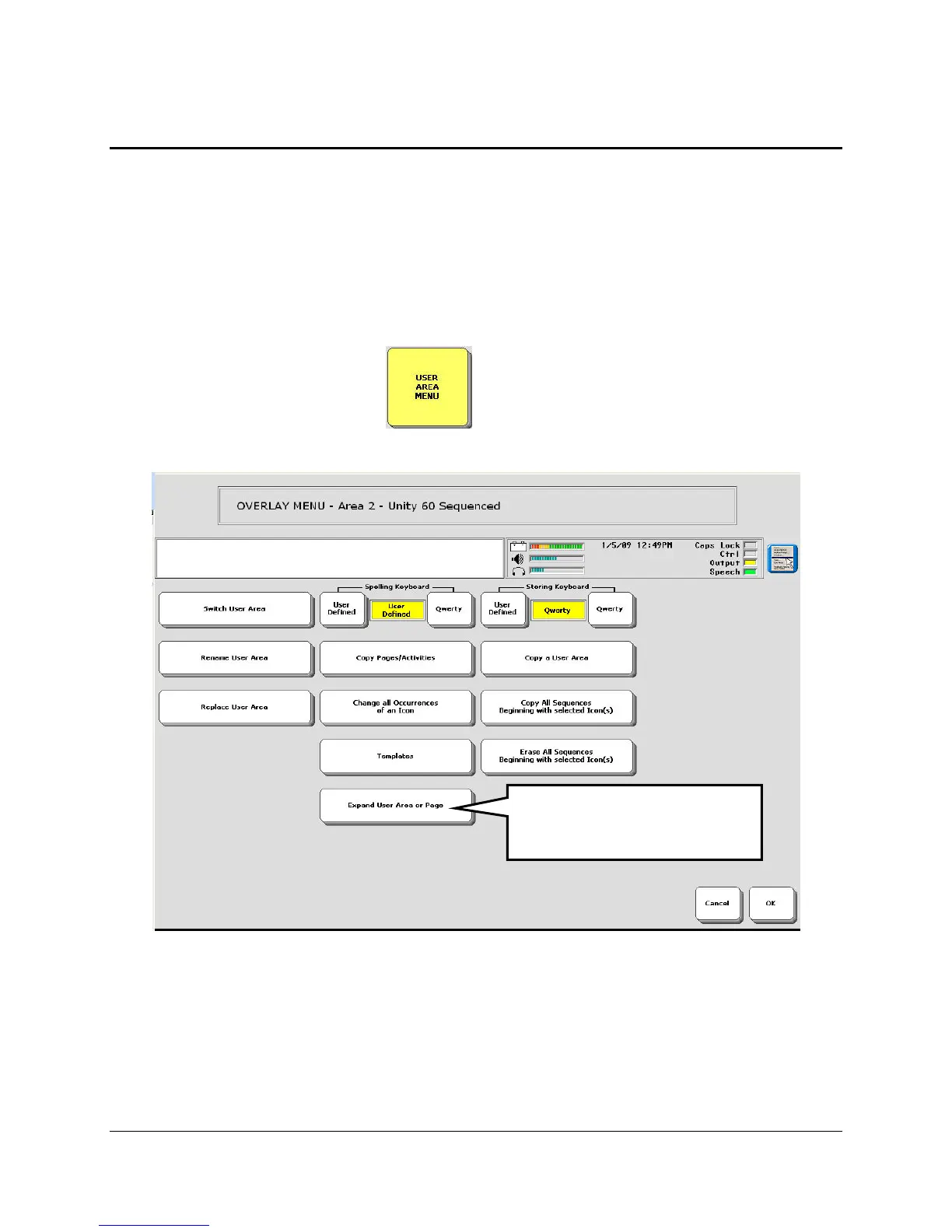
Expand a User Area or Page
Perhaps you have become extremely good at using a particular overlay. Now you would like to
move up to an overlay with more keys on it, yet you don't want to lose the overlay you are used
to. The option, Expand a User Area or Page in the USER AREA MENU allows you to place
a smaller overlay into a larger one.
To Expand a User Area or Page
1. Open the USER AREA MENU in the Toolbox.
2. Select Expand User Area or Page.
3. On the next screen, select User Area or Page.
For User Area
4. Select the User Area you want to expand.
Select Expand User Area
or Page.



 To Next Page