GETTING ACQUAINTED WITH YOUR ECO
ECO Manual
27
The Unity
®
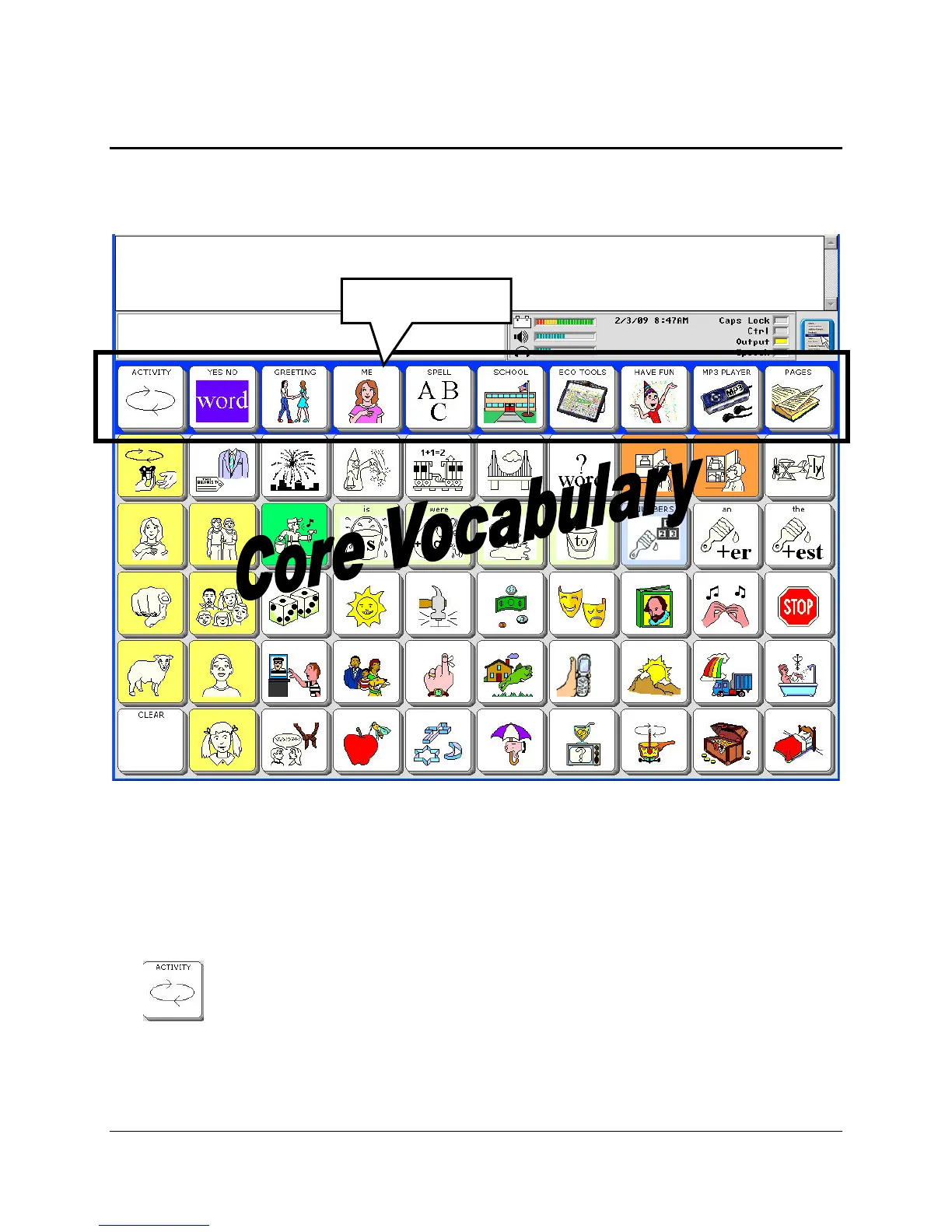
60 Sequenced Overlay
We will use the Unity
®
60 Sequenced Overlay for examples in this manual. If you selected this
key from the Exploration Wizard, the overlay should now be visible on your touchscreen.
Right now you can activate a key by simply pressing on it. You do not have to press hard. A
light tap will do it. When you press a key you see that some keys become gray and others stay
bright. Press a bright key.
The device should speak a pre-stored message.
The top row of keys is the Activity Row. The first key in the far left column is the ACTIVITY
key . Press this key to see more activities in the Activity Row. If you want to look at
Activity Row



 To Next Page