GETTING ACQUAINTED WITH YOUR ECO
ECO Manual
26
The 4/8/15 PAGES key allows you to view pages already set up with different key size
locations.
The TARGET, UNITY PATTERNS and 4/8/15 PAGES keys have Back or CORE keys
that allow you to return to the Exploration Wizard main page. The PIC TEST key does not have
a Back or CORE key. See below if you want to leave the PIC TEST pages.
The bottom row of keys takes you to vocabulary overlays that you can use everyday for
communicating.
If you select one of the overlays, the software will take you directly to that overlay and you can
begin using it as your own. These overlays do not allow you to return to the Exploration Wizard.
If you select the PIC TEST key or an overlay from the bottom row and then decide you don't
want to use it, you can return to the Exploration Wizard by following these steps:
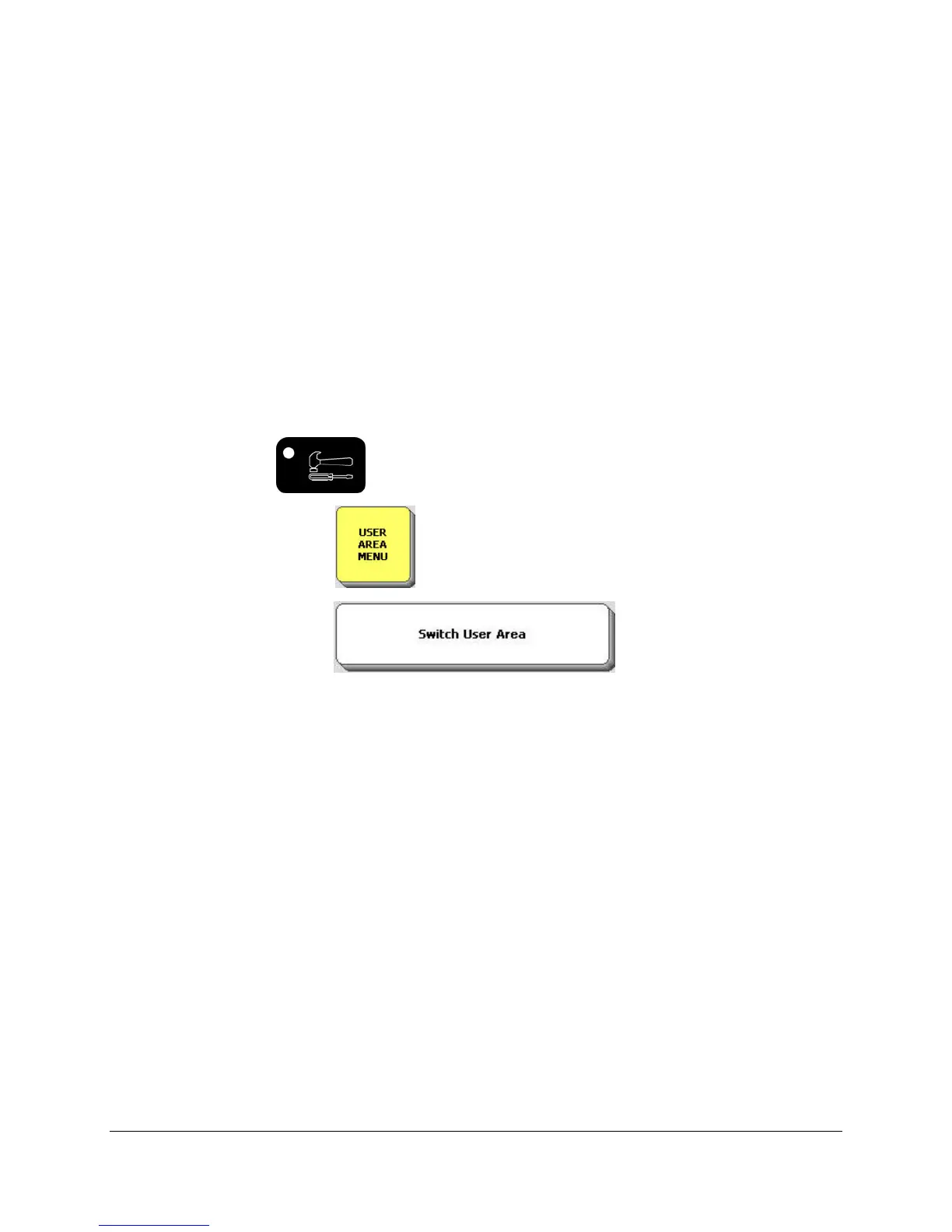
Select the TOOBOX key on the front of the case.
Select USER AREA MENU in the Toolbox.
Select the Switch User Area option.
Select Exploration Wizard (or you may select any User Area you might want to switch to.)
Select OK.
Select GO TO CORE.
You should be in the Exploration Wizard or the Area you selected.
Learn more about the USER AREA MENU beginning on page 37.



 To Next Page