USING THE CELL PHONE
Eco Manual
222
Using the Phone Directory
You can store frequently called numbers in your Phone Directory. The PRC Service Department
phone number and the PRC main phone number have been stored for you. The
Name keys are
already set up so you just have to enter the number you want.
To see the Phone Directory, select the
DEVICE activity, select the PHONE activity, then select
the
Phone Directory key.
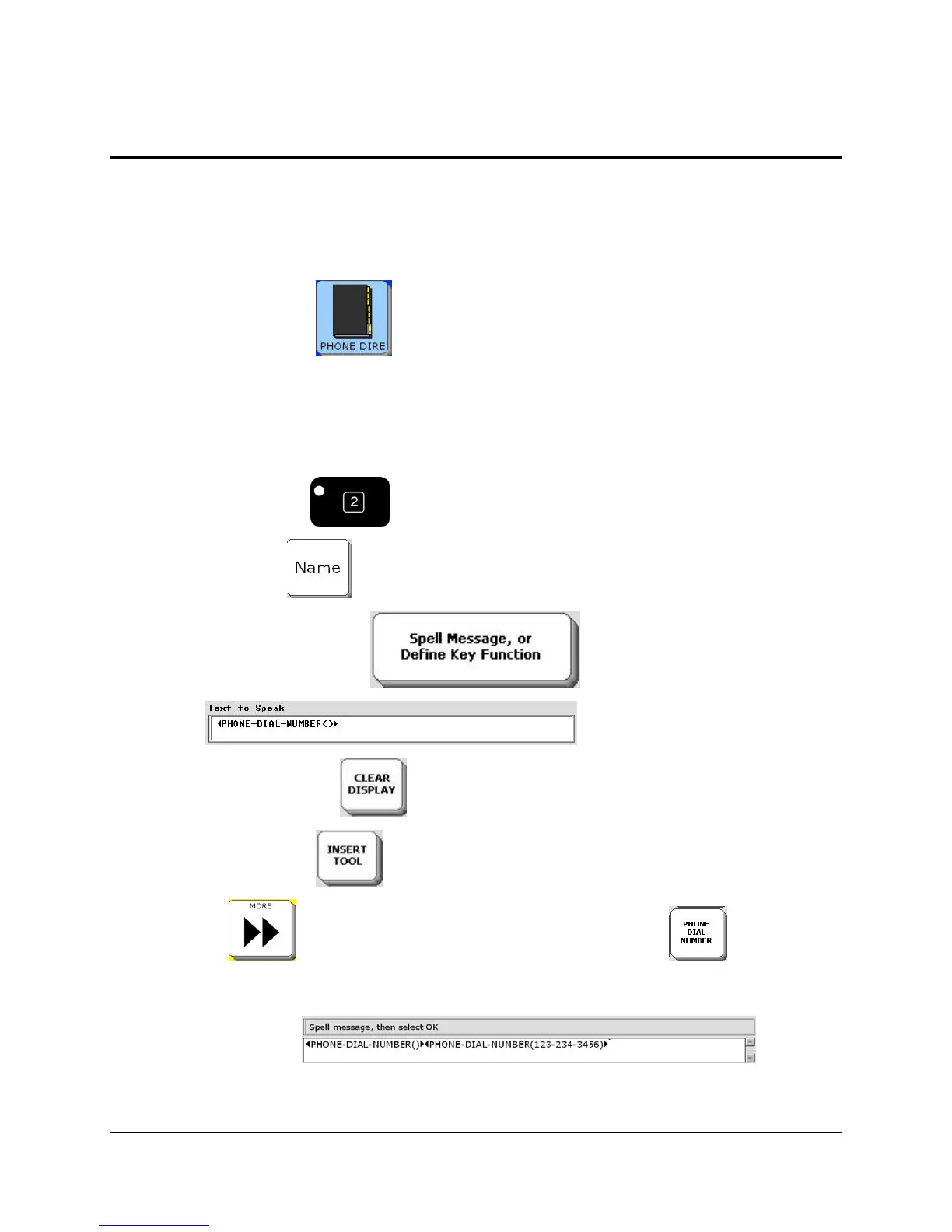
Store a Phone Number in the Directory
1. Select the PHONE DIRECTORY key from the PHONE Activity Row.
2. Select the
SET-UP key on the front of the case.
3. Select a
NAME key
5. Select the
Spell Message… key .
6. You see:
7. Select
CLEAR DISPLAY .
8. Select
INSERT TOOL .
9. Use
MORE until you see the PHONE DIAL NUMBER key . Select this
key.
7. On your Spelling overlay, type in the phone number you want to store. Use commas if there is
an extension number.
. Select
OK when you are finished.



 To Next Page