USING THE CELL PHONE
Eco Manual
221
3. While the phone is ringing, you can Go to Core to be ready to talk when someone answers.
4.
When the call has ended, activate End on the Dial Pad.
The
Clear button clears the display.
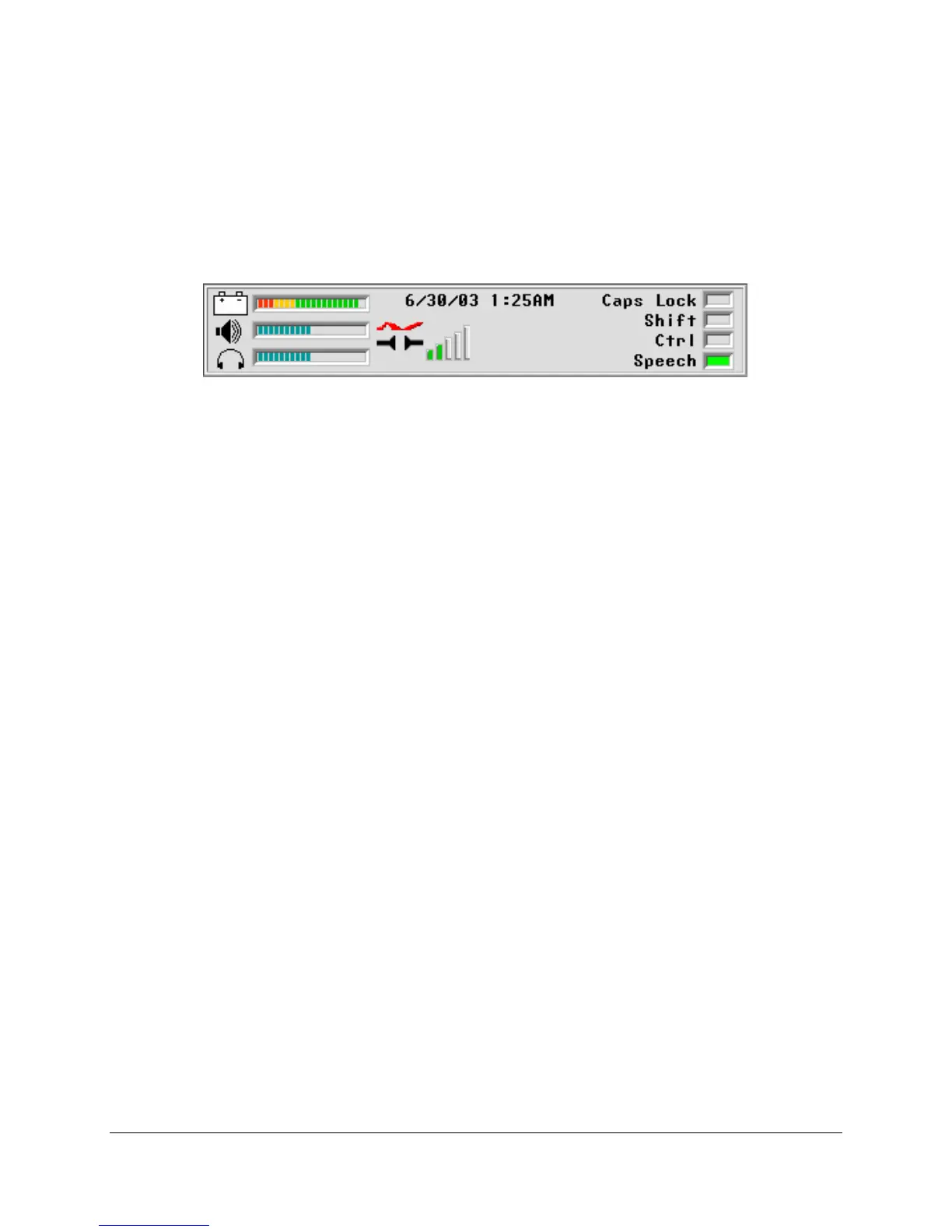
The "Connecting Icon" replaces the "Wing" icon in the Status Display Area when you select
Send.
The "Connecting Icon" is also visible when the phone rings on your device. This is helpful
should you have the device volume turned down. If you see the icon but don't hear anything, you
know your phone is ringing.
To Answer a Call
1. You hear the phone ring, or see the "Connecting Icon" in the Status display Area.
2. Activate
Send.
3. Activate
Go to Core and answer.
4.
When the call has ended, activate End on the Dial Pad.
Note: Use commas when you dial phone numbers that include extensions. For example:
3302621984,123. If a number contains multiple extensions, use a comma between each
extension.



 To Next Page