REVIEW VOCABULARY
ECO Manual
176
Using the REVIEW VOCABULARY MENU
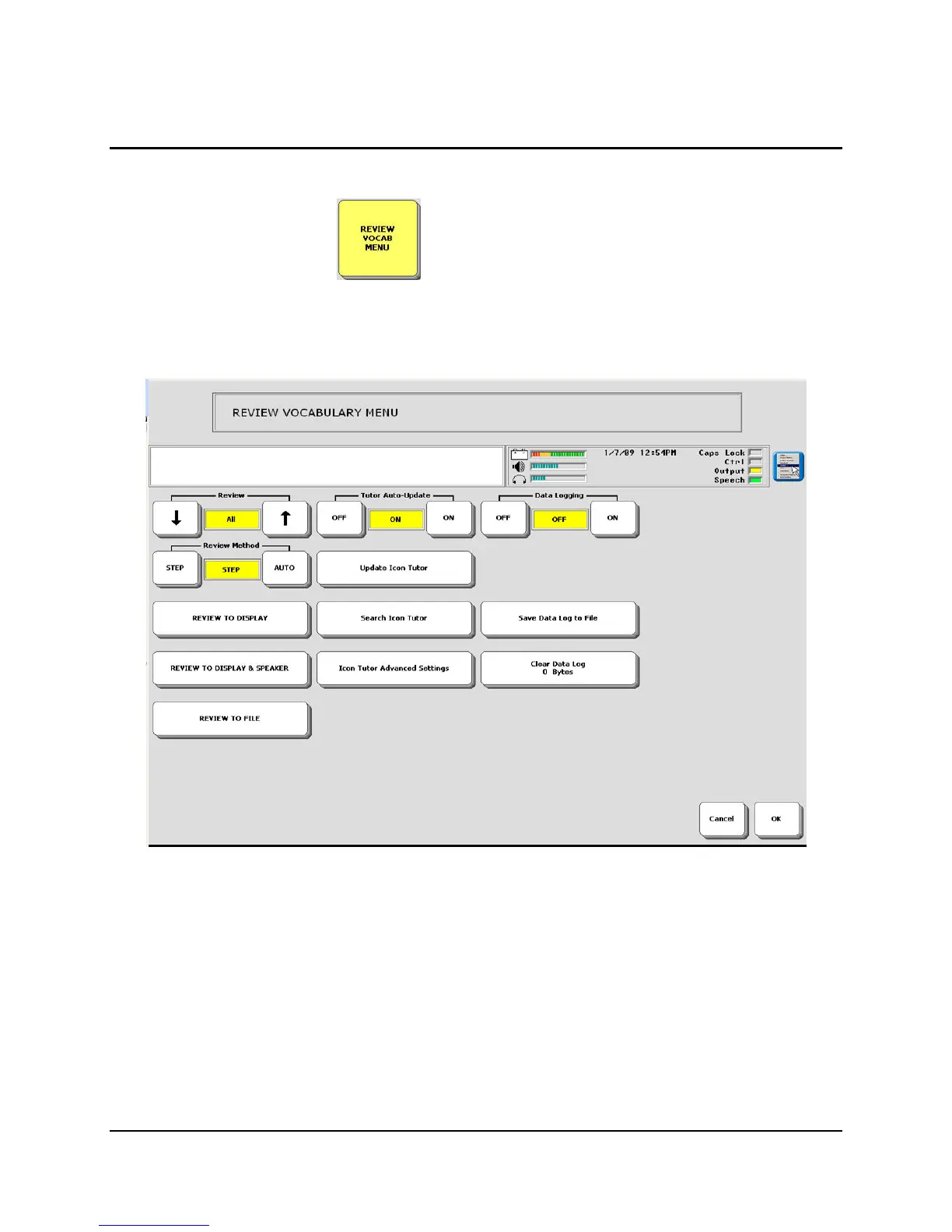
REVIEW VOCABULARY allows you to review all the vocabulary you have stored
in your device. You can review the whole vocabulary, just the Core vocabulary or vocabulary
that is stored with Activities or Pages. You can choose to see the review on the device display or
a computer monitor; or you can tell the device to print the review on a printer.
If you want to review vocabulary on your device screen, simply choose Review to Display or
Review to Display and Speaker.
Auto means your device automatically moves through the vocabulary screens. Step means you
activate the MORE ITEMS key to move through the screens.
For recorded messages, the review shows the word "Digitized" and gives the icon sequences
for each digitized message.
A Vocabulary Review does not review words in the Dictionary.
For information about Data Logging, see Appendix H beginning on page 310.



 To Next Page