INTERNAL COMPUTER
Eco Manual
257
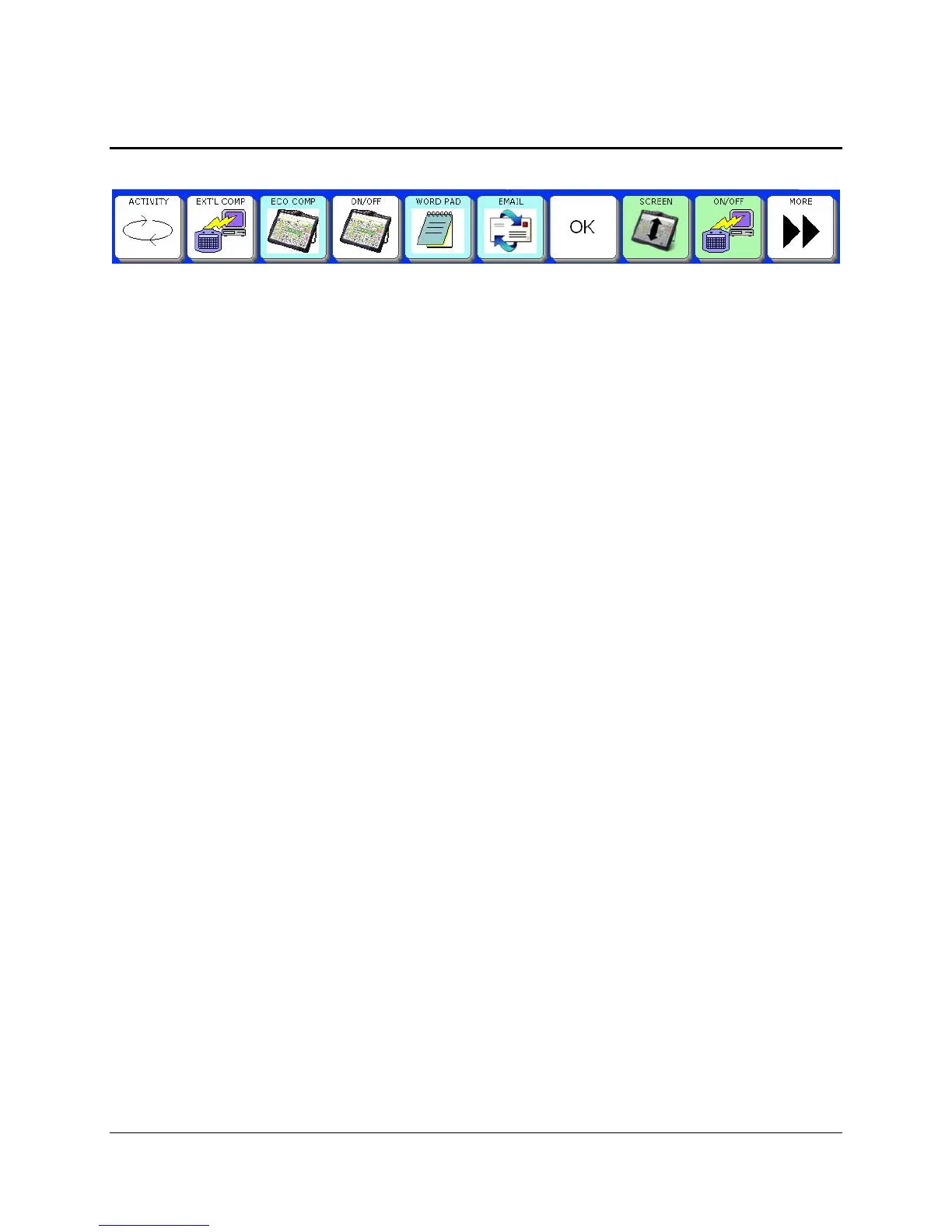
Keys in the Computer Access Activity Row
EXTL COMP
If you are connected to an external computer, this key opens an Activity row for external
computer use. Select
EXTL COMP again in the open row to turn External Output ON (in the
OUTPUT MENU).
ECO COMP
This takes you to the ECO's internal computer. It automatically turns the internal computer
output to ON and minimizes your overlay to four rows.
ON/OFF (ECO icon)
Select this to turn internal computer output ON or OFF.
WORD PAD
This opens a Page of keys for working in Windows
®
Word Pad
™
E-MAIL
This opens a page of keys for working in Microsoft
®
Outlook
™
Express.
OK
This key takes you back one page.
SCREEN
This key reduces your overlay screen to four rows so you can see your ECO desktop. Select it
again to bring your overlay back to full size and hide the computer desktop.
ON/OFF (device/computer icon)
This is a second Output On/Off key. It turns the internal or external computer output ON or OFF.



 To Next Page