USING THE CELL PHONE
Eco Manual
219
Phone Tools
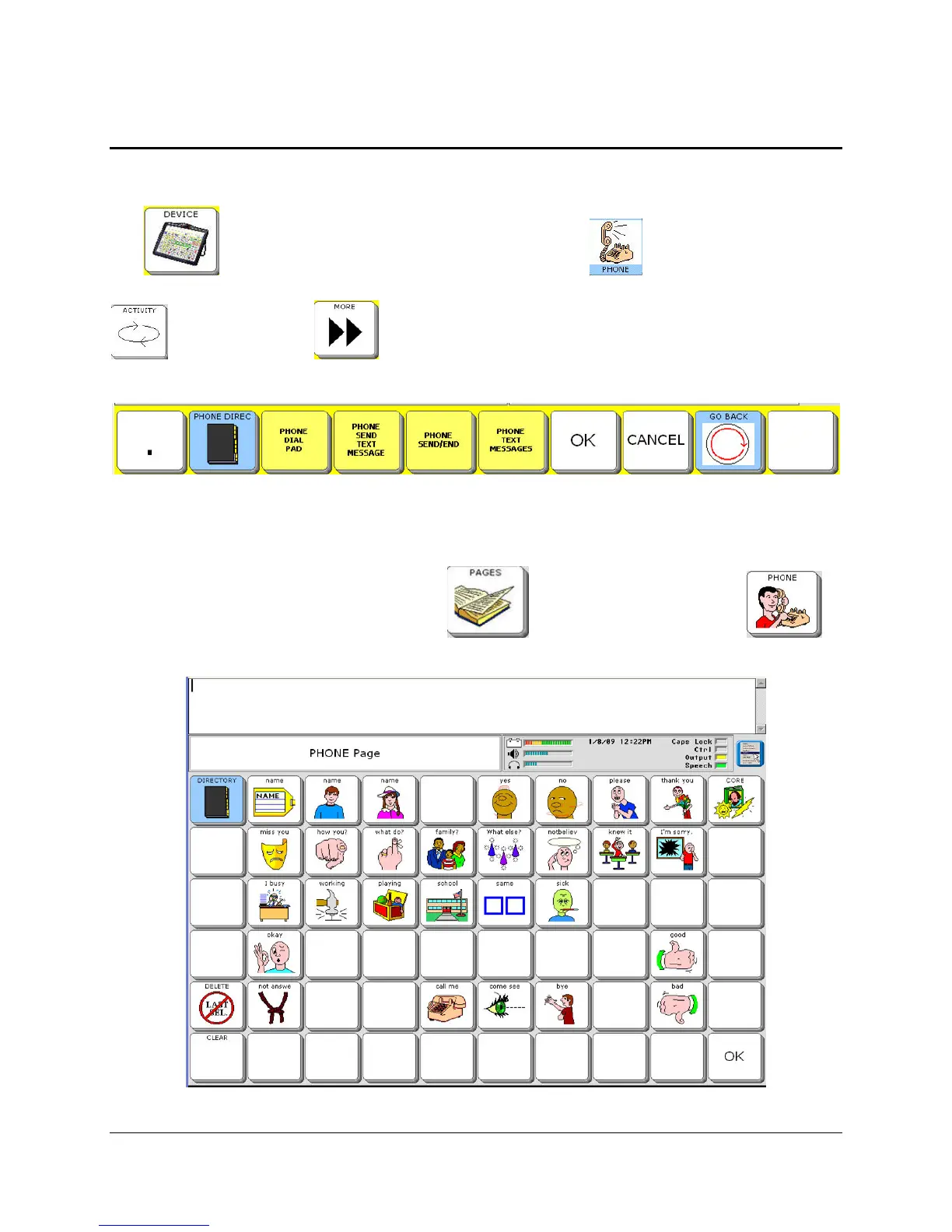
There is a Phone Activity for an AirCard phone in your Activity Row. Activate the
DEVICE
icon
in your Activity Row, then activate the PHONE icon to see the Phone
page. Depending on the overlay you are using, you may have to select the
ACTIVITY key
or the MORE key to find the DEVICE or PHONE Activity.
Phone Activity
There is also a PHONE Page which contains some pre-stored messages so you can carry on a
phone conversation. Select the
PAGES key then select the PHONE key .
You can also choose to use a GEWA phone or the Quick Phone on this Page.



 To Next Page