ACTIVITIES
ECO Manual
113
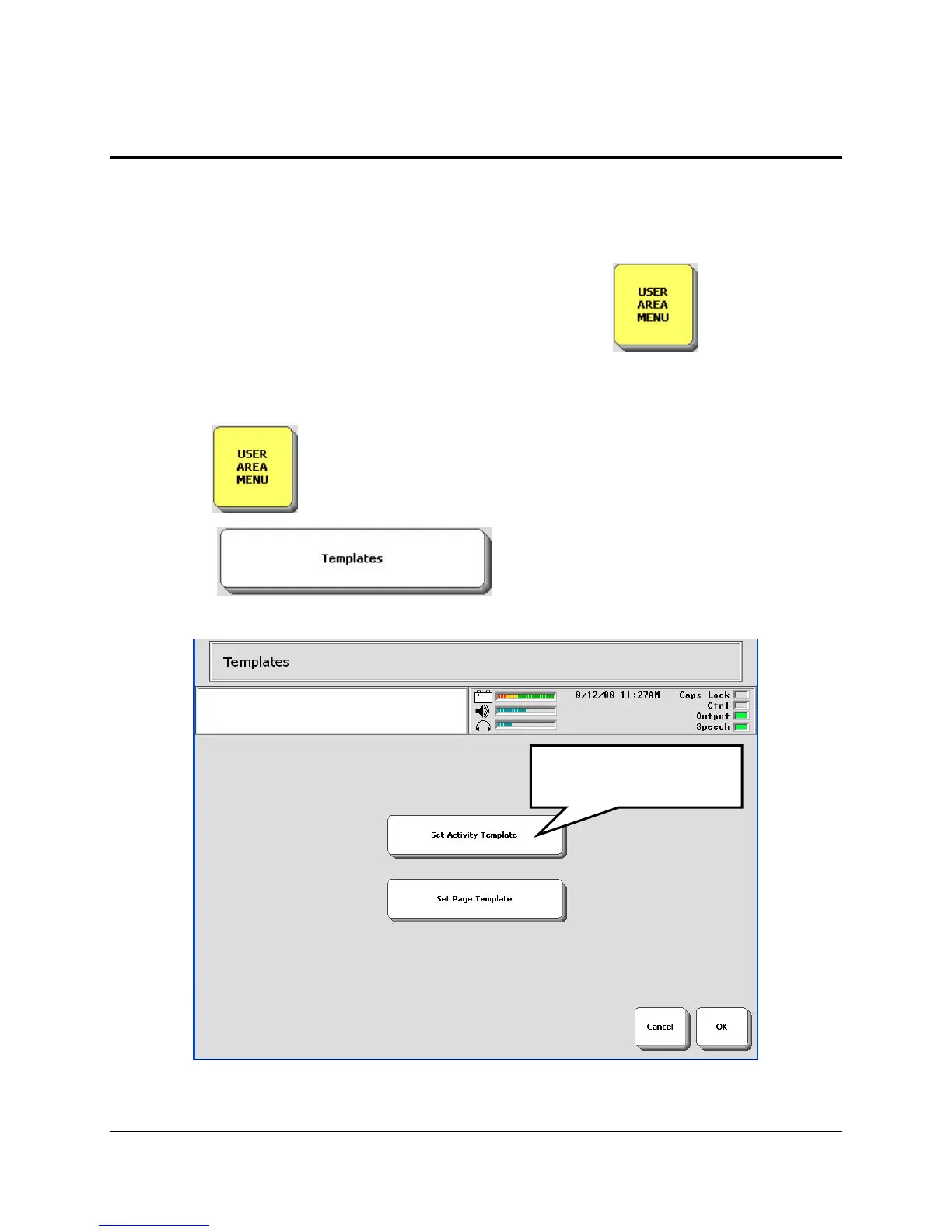
Set Activity Template
Each default overlay in your device has a template you can work from when creating an Activity.
It is generally called Blank or Template. This will contain some essential keys placed where
they are always placed on the regular overlay. If you set a particular Activity Template, you can
create Activities that will always have these essential keys in the same places.
The Set Activity Template option is in the USER AREA MENU
To Set and Use an Activity Template:
1. Open the in the Toolbox.
2. Select the key.
3. Select the Set Activity Template key.
Select Set Activity
Template.



 To Next Page