SETTING UP YOUR DEVICE
ECO Manual
70
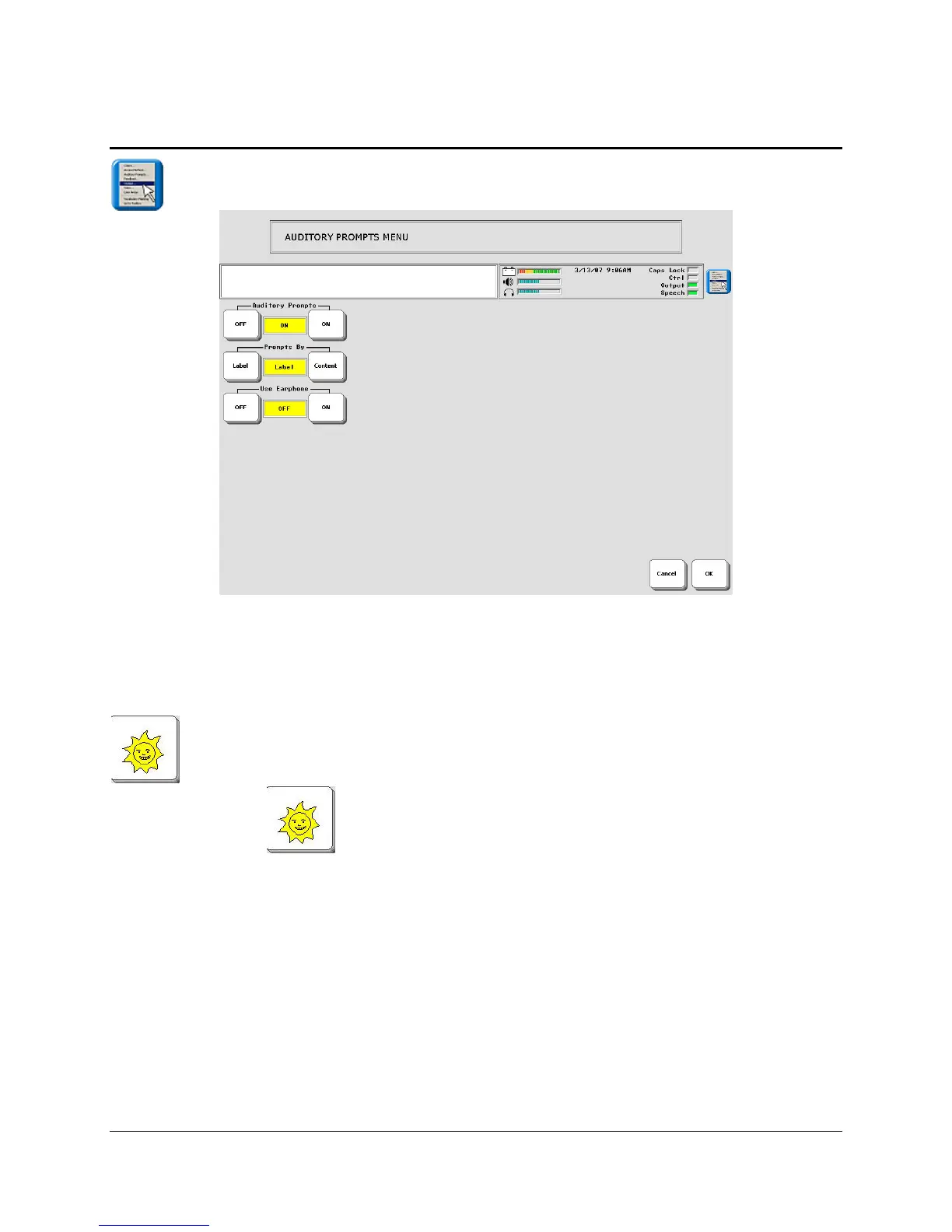
The AUDITORY PROMPT MENU
Auditory Prompts may help you to learn which keys are where on your overlay.
When Auditory Prompts are turned On in the AUDITORY PROMPT MENU, your device
defaults to speaking the label of any key you activate. That is, if you press and hold the
key on your overlay, you will hear, "Like" or "Sun" or whatever the label is that has
been assigned to the key.
When Auditory Prompts are On, you must press and hold a key to hear the auditory prompt. If
you are scanning, simply activate your switch. To retrieve a message, activate the key or switch
again after you have heard the prompt.
You can hear prompts through the device's speaker. You can also plug stereo headphones
into the Headphone jack on the side of the case. This allows you, but not others, to hear the
prompts. If you are using headphones, turn the Use Earphone option On in the AUDITORY
PROMPT MENU. If you want to use both headphones and a speaker at the same time, you
must have an adapter. See Appendix N for more information on adapters.



 To Next Page