USING THE CELL PHONE
Eco Manual
217
Enable the Phone Card
The first thing you must do after installing the phone card, antenna and cable (if you ordered the
cable), is to enable the card.
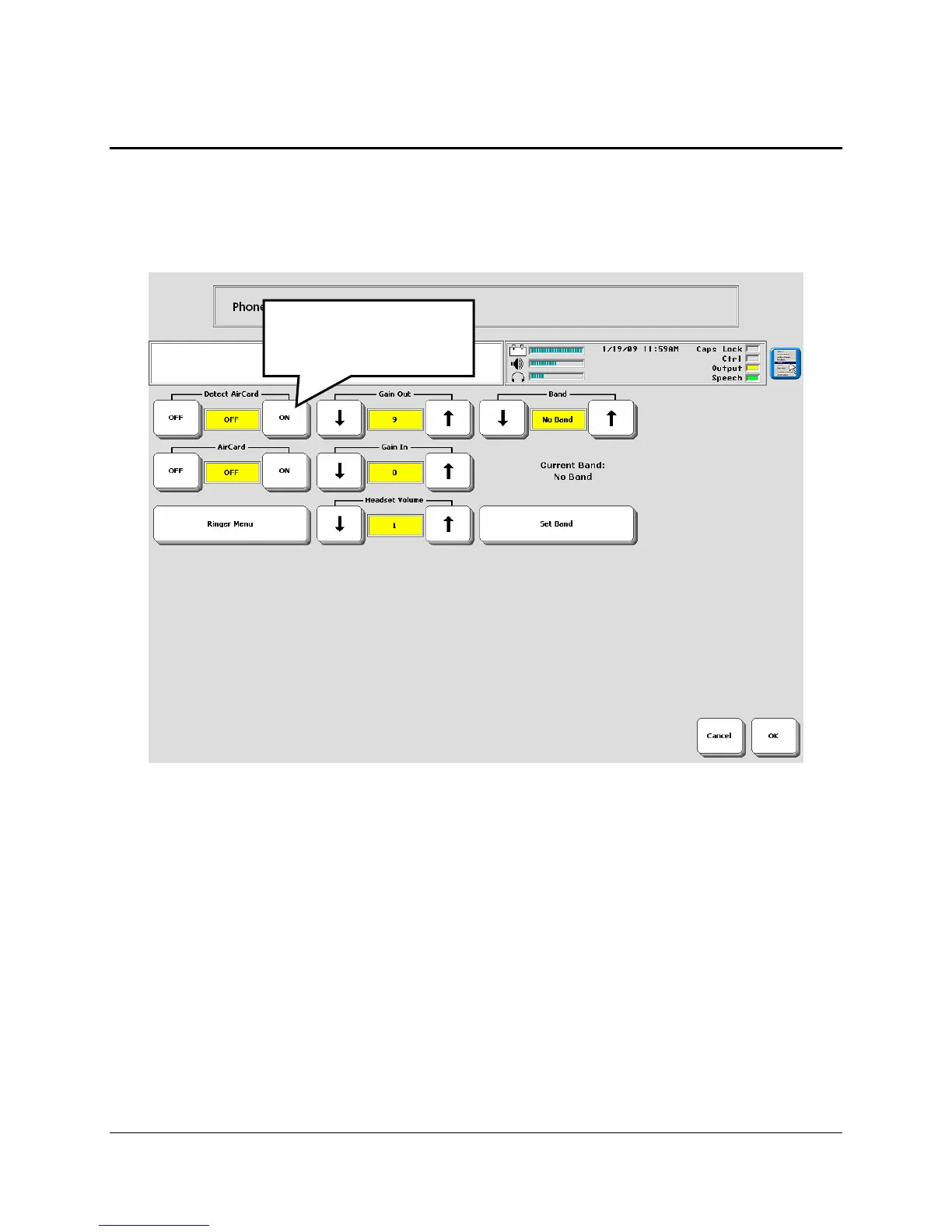
Got to the Toolbox and open the
MAINTENACE MENU.
Select Hardware Diagnostics.
Select
Phone Configuration.
Turn the
Detect AirCard option to ON.
You may see a box asking you to plug in your battery charger. Do so. At this point you may see
another box stating that firmware is being updated. This update will take awhile. Be patient.
Not all devices will need to be updated.
The other options in this menu will be set automatically once the card is installed/detected.
Turn Detect Air Card
ON.



 To Next Page