GETTING ACQUAINTED WITH YOUR ECO
ECO Manual
12
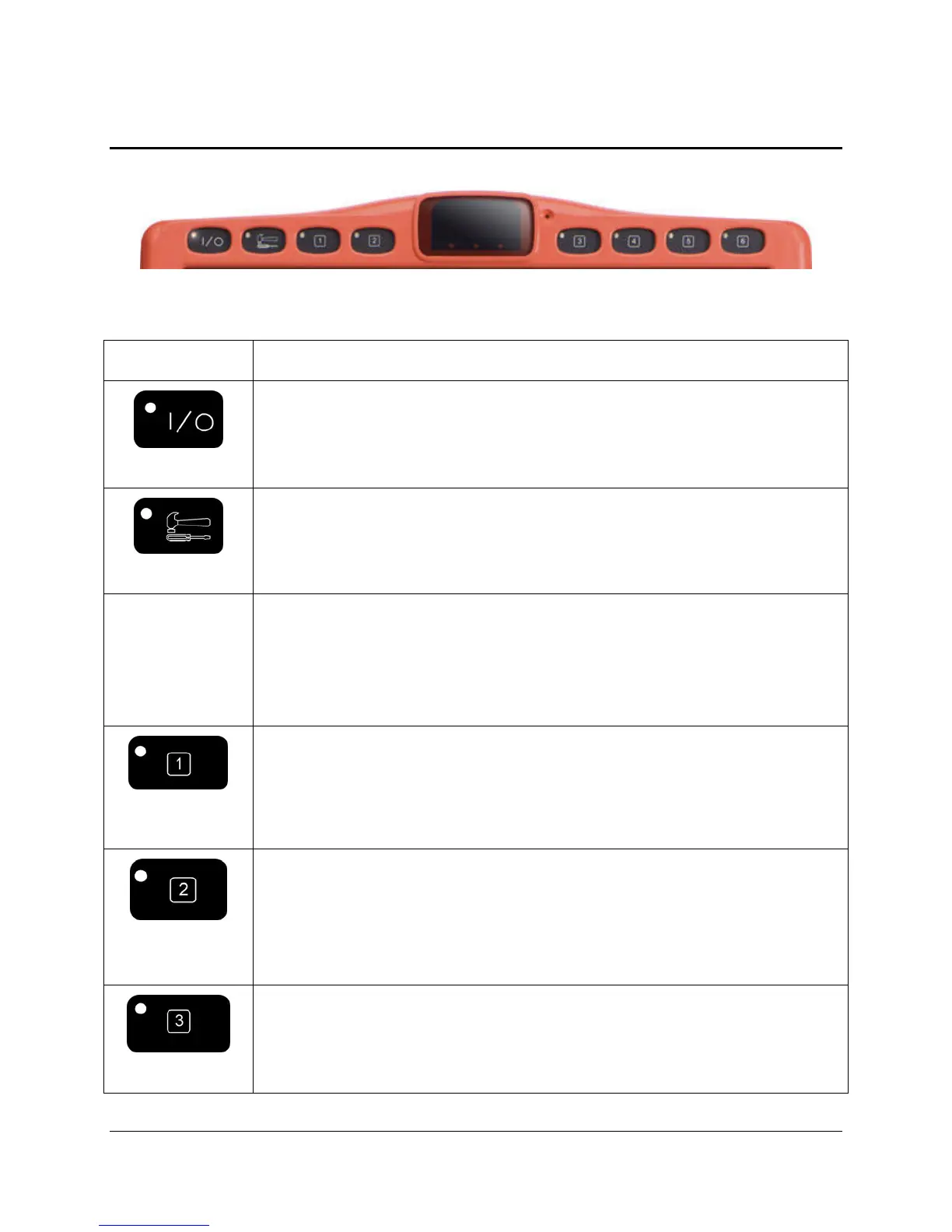
The Front Panel
KEY FUNCTION
ON/OFF
Turns the device ON or OFF. If you turn the ECO off with this button, you
must use it to turn the device back on.
TOOLBOX
Takes you to the Toolbox where you can use the system menus.
*
USER
DEFINED
KEYS
Keys 1-6 are User Defined keys. They have been pre-programmed for you to
perform some often-used functions. You can re-program to do whatever you
wish. See the Store/Assign Tools chapter beginning on page 163.
CHOOSE
ACTIVITY
*
Press this to toggle through your Activity Row.
SET-UP*
This key allows you to program overlay keys without going to the Toolbox.
It works with the MODIFY PAGE, MODIFY ACTIVITY, ASSIGN
CORE KEYS and STORE menus and the Modify Item within an Activity
or Page menu.
ECO KYBD*
This allows you to see both the Windows XP desktop and the ECO screens
at the same time. This means you can use your overlay to interact with the
XP programs. Your ECO keyboard goes to half-screen so you see half your
overlay and half of the Windows environment.



 To Next Page