GETTING ACQUAINTED WITH YOUR ECO
ECO Manual
13
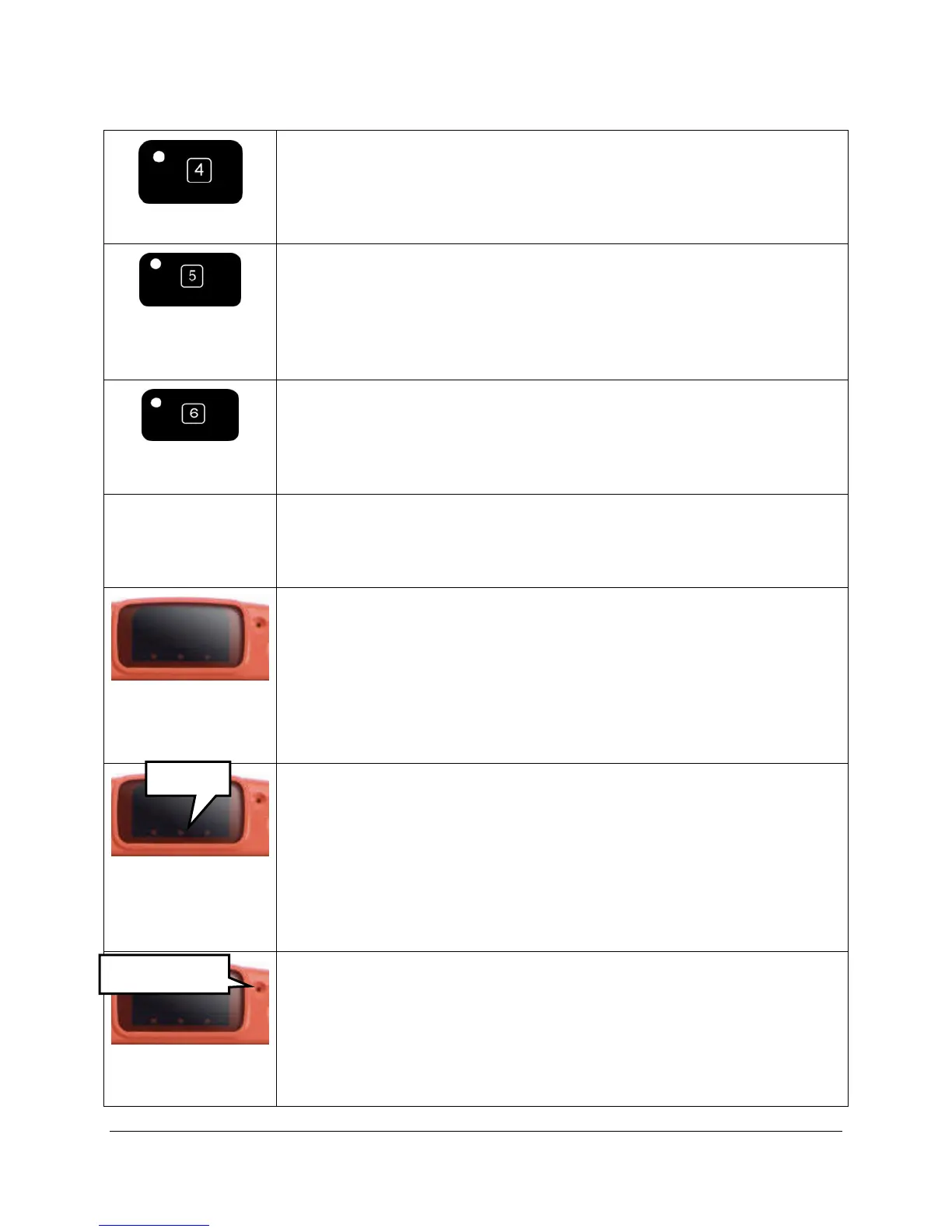
SCROLL*
Use with the internal computer.
Select this key to scroll through your overlay when you are in Keyboard
Mode, so you can access all your overlay keys.
MOUSE-RIGHT-
CLICK*
Use this with the internal computer.
Select this key then select a key on your overlay. A small context-
sensitive menu will pop up next to the overlay key you selected that will
allow you to perform various functions such as Cut, Copy, Paste or use
the Setup key.
MINIMIZE ECO*
Use this with the internal computer.
This maximizes and minimizes your communication overlay when you
are in Keyboard Mode so you can see all of the Windows application
you are using. ECO goes into the Windows task bar.
RECORDING
MICROPHONE
This is the small round hole near the top right of the case. When you
record messages, speak toward this area.
HEADPOINTING
INFRARED
WINDOW (IR)
Receives IR information from the Tracker or other IR headpointer.
3 LEDs IN
BOTTOM OF
WINDOW
The LED on the left flashes when the battery charger is plugged in. A
rapid flash means the battery is recharging. A slow flash means the
battery is full and is just trickle-charging.
The LED in the middle indicates a low battery. If you see this LED
flashing, plug in the battery charger.
The LED on the far right flashes when the hard drive in the ECO
system is working, just as the hard drive LED in your computer does.
RECORDING
MICROPHONE
This is the small round hole near the top of the case, to the right of the IR
window. When you record messages, speak toward this area.
HP IR Window
LEDs
REC. MIC.



 To Next Page