PAGES
ECO Manual
153
Link your Scene Page to the MY SCENES page.
Linking your news Scene Page to the MY SCENES Page makes it easy to get to.
1. Go to your CORE overlay.
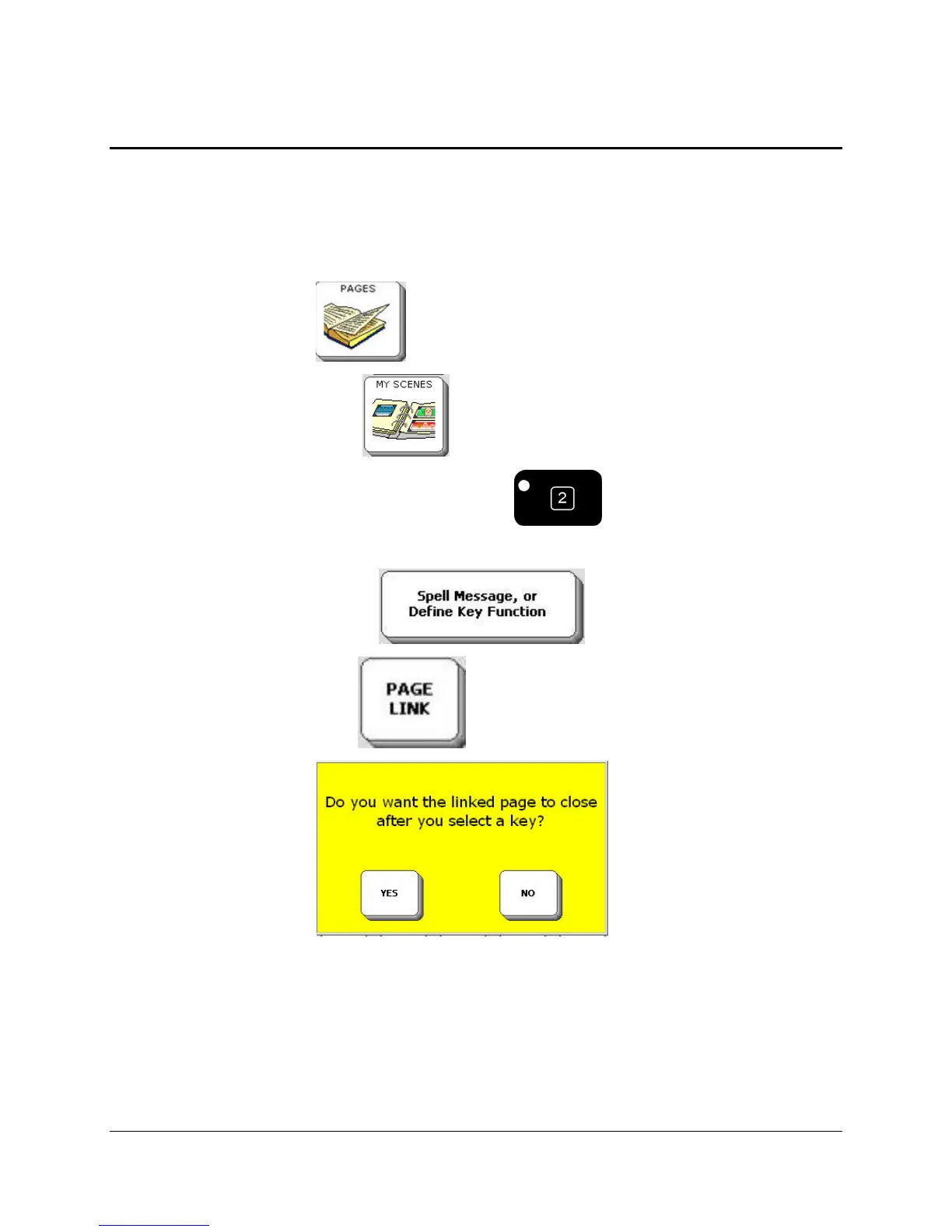
2. Select the PAGES key .
3. Select the MY SCENES key .
4. Select the SET-UP key from the front of the case .
5. Select a blank key from the MY SCENES Page.
6. Select the Spell Message…key. .
7. Select the PAGE LINK key
8. You see a warning box:
.
If you select YES, you will be able to go to your linked Page, make one selection on it and
then return automatically to your original Page.
If you select NO, you will go to your linked Page and remain there.
If you are unsure about which option to select, remember that YES means the linked page
closes after one selection.
9. Select your new scene Page from Pages Menu. Pages are listed alphabetically.



 To Next Page