MP3 PLAYER MENU
Eco Manual
229
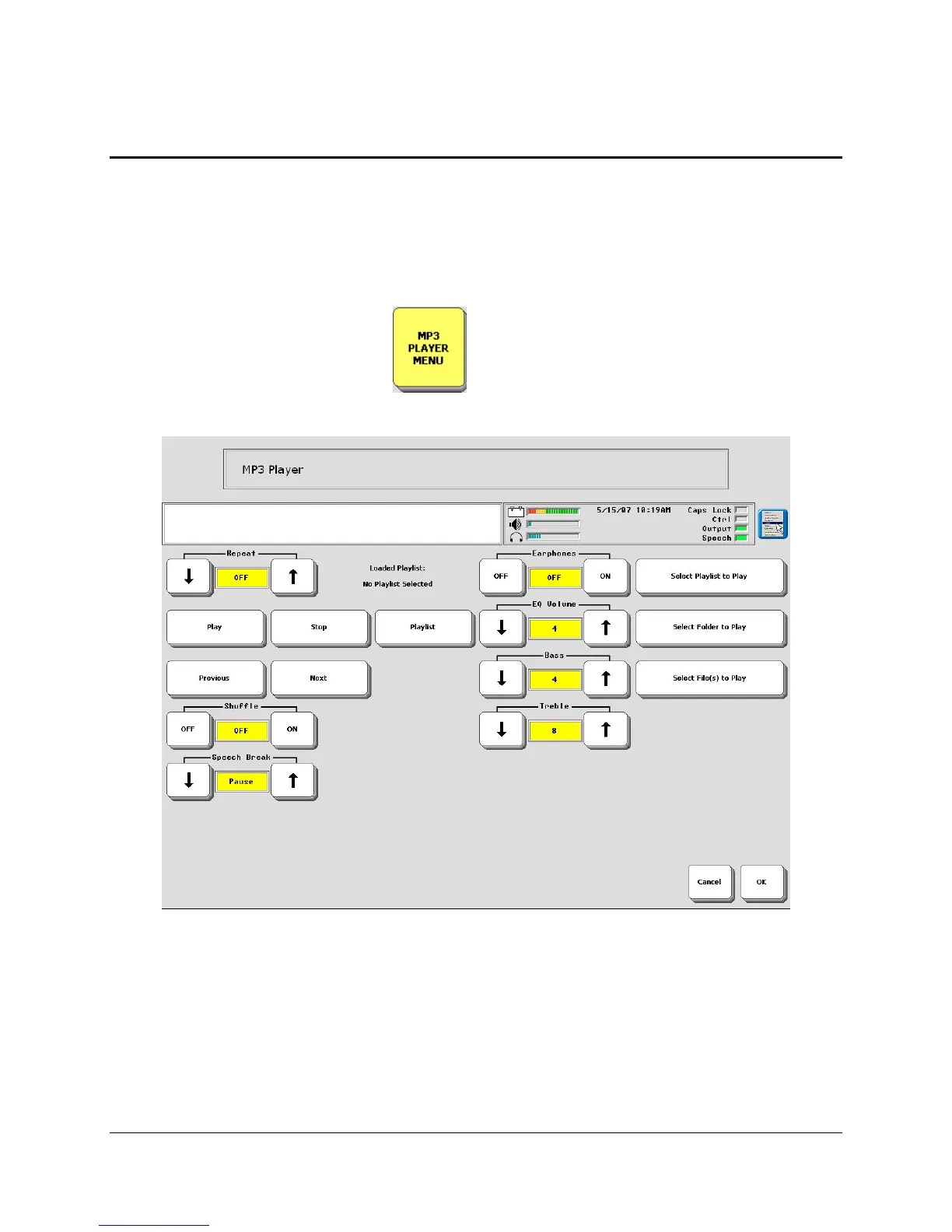
About the Options in the MP3 PLAYER MENU
In order to play music files on your communication aid, you must have songs stored on your
internal hard drive or your USB flash drive.
While music is playing, you may use your device as you normally would.
Let's look at the options in the
MP3 PLAYER MENU so you will know what to expect.
You can the
MP3 PLAYER MENU from the Activity Row or from the Toolbox.
Options
Repeat: OFF/1/ALL
Off
: no songs will repeat.
All: an entire playlist, or all the songs on a flash drive, will repeat.
1: repeat the song that is currently playing. This song will repeat until you select Stop, Next or
Previous.



 To Next Page