INTERNAL COMPUTER
Eco Manual
272
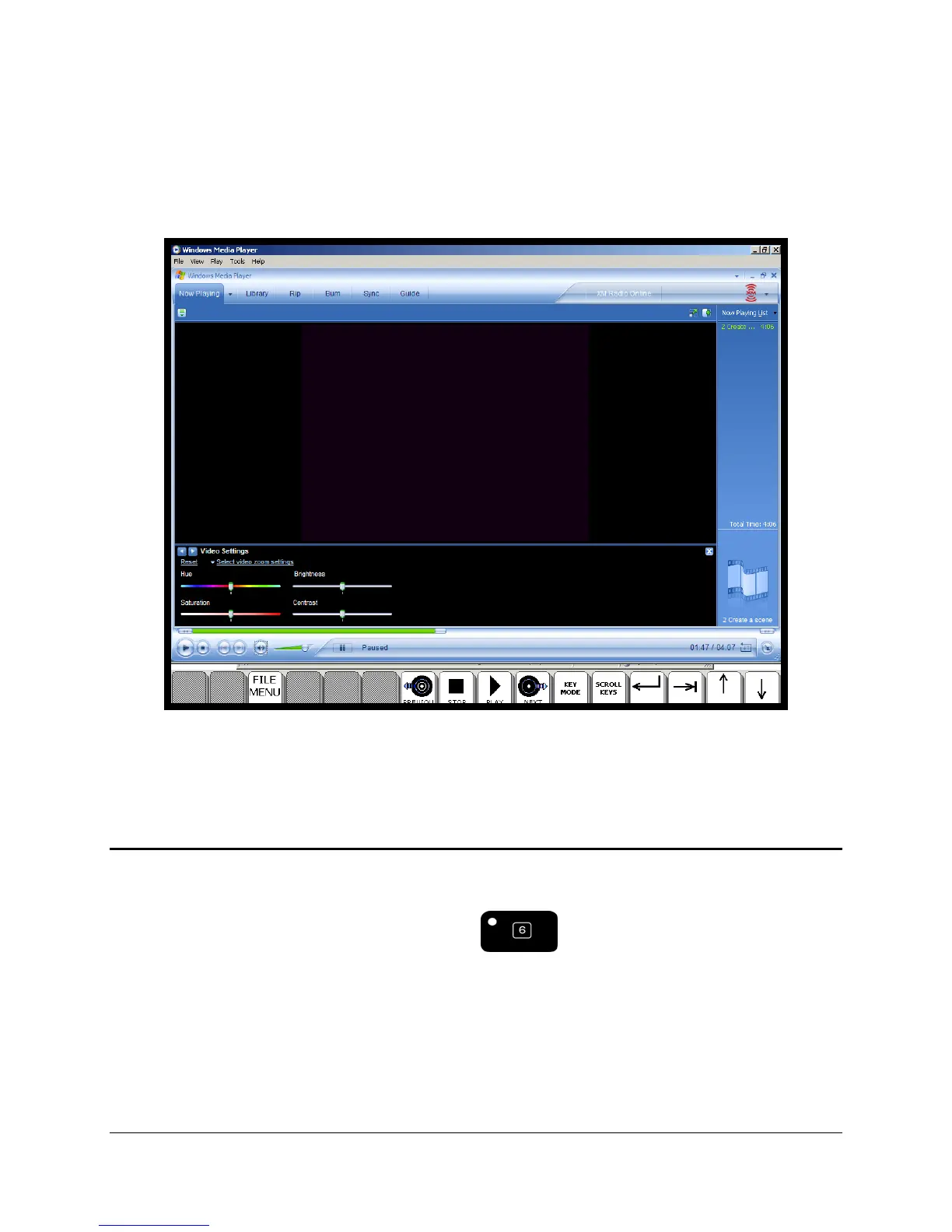
This ability to set pages with different row numbers can be helpful when you are creating special
pages to drive specific Windows applications. For example, here is a screenshot of Window
Media Player running in full screen. At the very bottom of the screen you can see a single row of
keys in ECO that can be used to access the player.
Minimize ECO
If you want to minimize the ECO software so that it ends up in the Taskbar like regular software,
use the
MINIMIZE ECO tool (also available as on the front of your device case).



 To Next Page