INTERNAL COMPUTER
Eco Manual
271
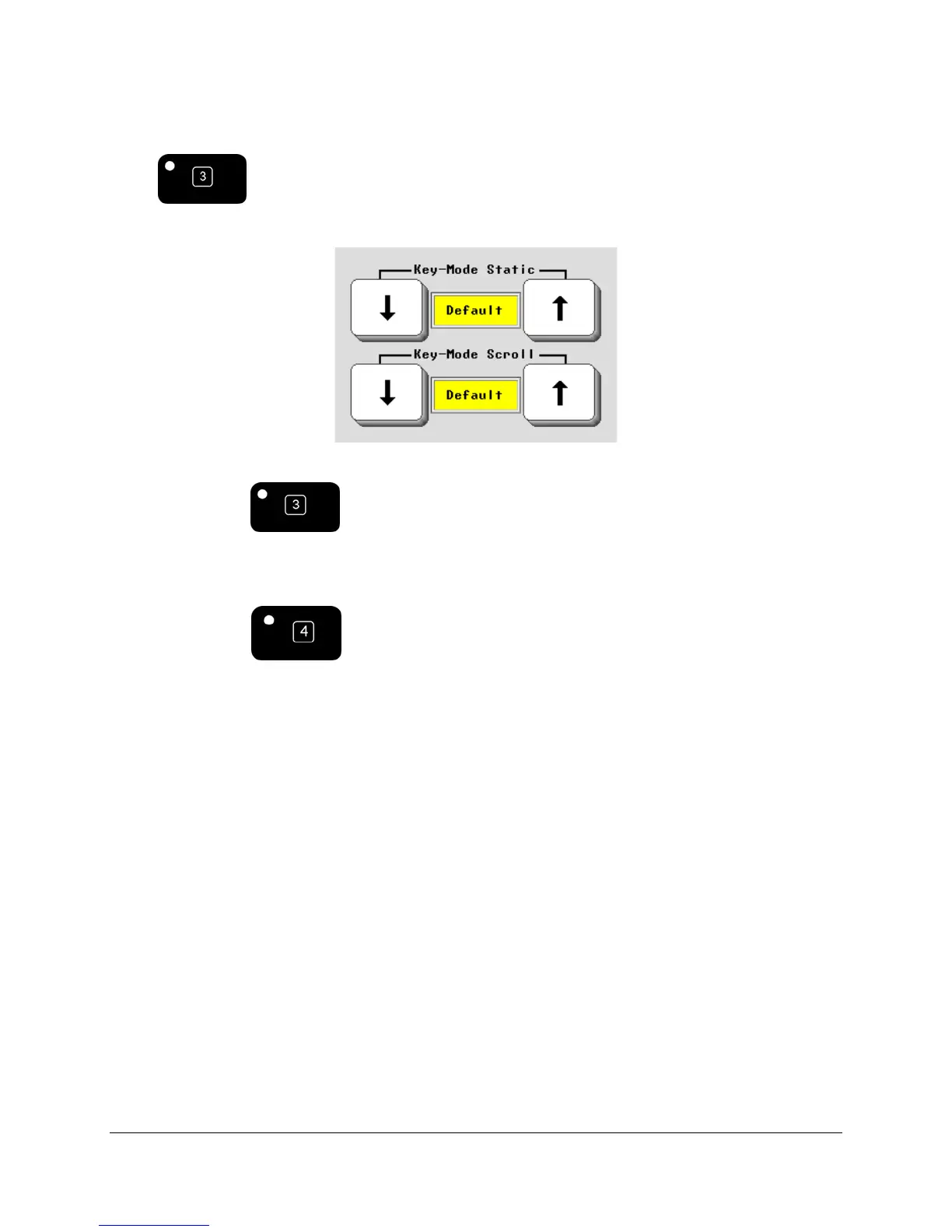
The MODIFY PAGE MENU in the Toolbox allows you to edit this arrangement. There are two
options that let you set the number of rows you want to see when you are in ECO Keyboard
mode
.
Key-Mode Static
The arrow keys let you set the number of rows that will show as static keys. If we set it to two,
then only two rows appear on the bottom of the ECO screen when you are in Keyboard Mode.
Key-Mode Scroll
As with Key-Mode Static, you can use Key-Mode Scroll to set the number of keys that will be
scrolling. You can have a mix of static and scrolling keys. Below is a picture of the Word Pad
keyboard with two rows showing.



 To Next Page