STORE/ASSIGN TOOLS
ECO Manual
172
Erase Macros
To Erase a Macro that has been Stored Under an Icon Sequence
1. Go to the Toolbox.
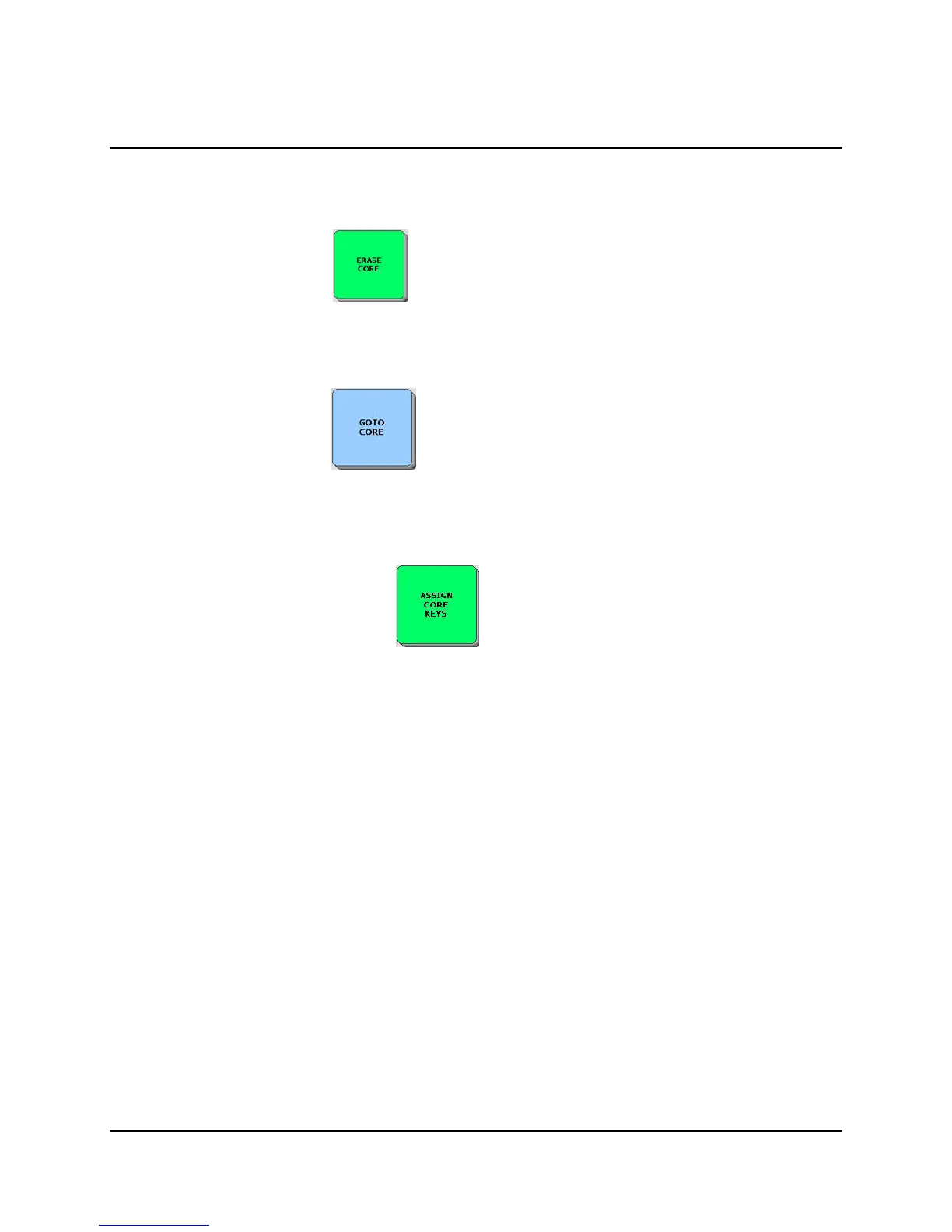
2. Activate ERASE CORE .
3. Activate the icon sequence you stored the macro under.
4. Activate OK.
5. Activate YES.
6. Activate GO TO CORE to return to your overlay.
To Erase a Macro that has been Assigned to a Core Key:
1. Go to the Toolbox overlay.
2. Activate ASSIGN CORE KEYS .
3. The Toolbox returns you to your overlay. Select the key you assigned the macro to.
4. If you want to erase the macro and restore the original icon: select ICON in the Assign
Key As option.
If you want to clear the key of everything: activate Clear Key Contents.
5. Enter a New Assignment or select OK to leave the key empty.
There are two insertable tools in your device that allow you to insert already created macros:
the SERIAL MACRO tool which allows you to insert computer commands and the INTELLI-
TOOLS BUTTON tool which allows you to insert Intelli-Tools buttons.



 To Next Page