GETTING ACQUAINTED WITH YOUR ECO
ECO Manual
19
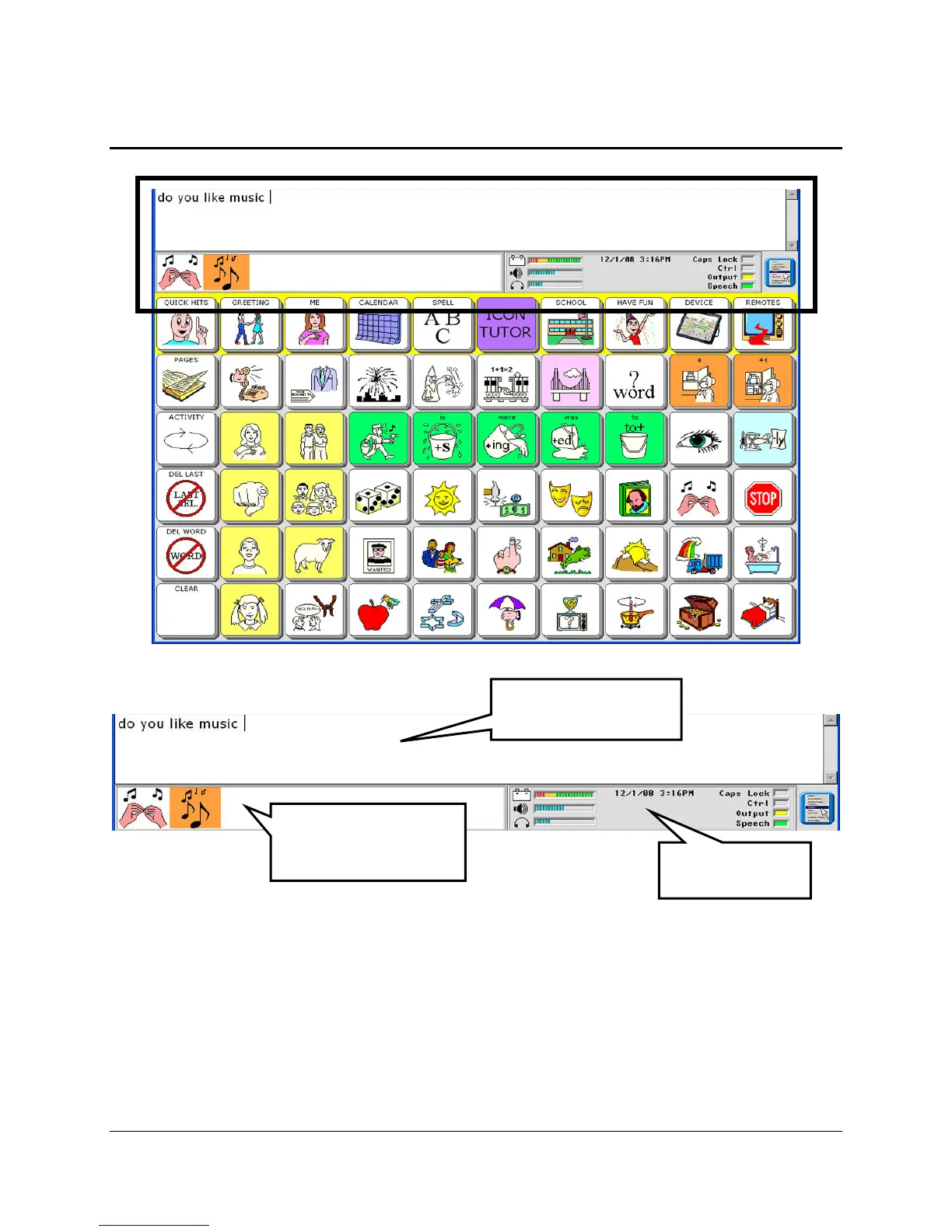
The Display Areas
Text Display Area
This is where you will see any text that appears, either from messages that you have retrieved by
selecting icon sequences or from typing in text. Touch this area and your device will speak any
text on the display.
Icon Display Area/Word Prediction List Area
This is where you will see the icons that you activate on your communication overlay or, if you
are using your spelling overlay and Word Prediction is On, you will see a list of predicted words.
Text Display Area
Icon or Word
Prediction Display
rea
Status Display
rea



 To Next Page