ACTIVITIES
ECO Manual
119
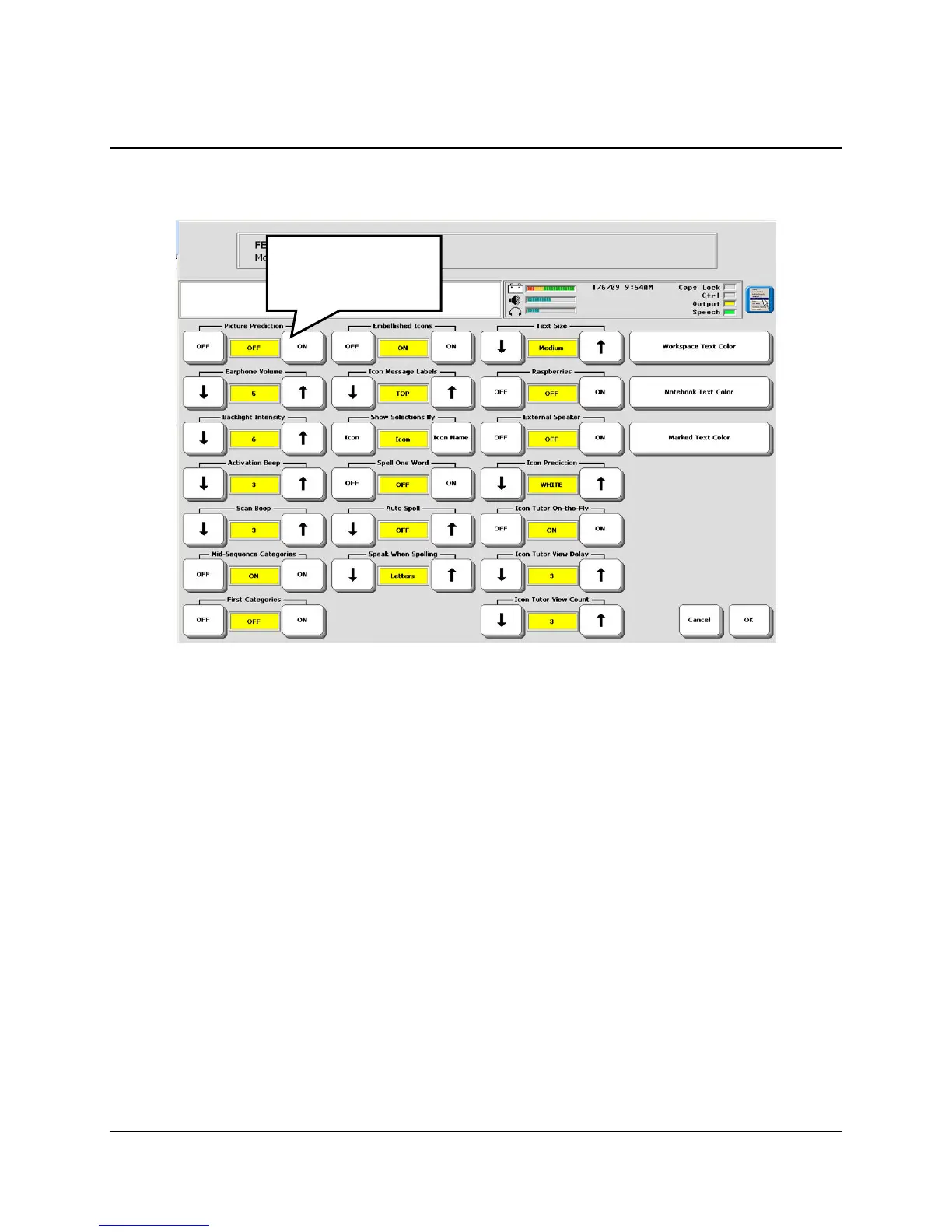
About the Picture Prediction Option
Picture Prediction is a way to make the keys in frequently used Activities quickly available to
you.
FEEDBACK MENU
With Picture Prediction turned ON in the FEEDBACK MENU, items in an Activity move
toward the front of the Activity according to how frequently you select those keys. If Picture
Prediction is ON, it applies to all Activities. If it is OFF, it applies to no Activities.
If You Do Not Want a Particular Activity to be Predicted:
1. Open the MODIFY ACTIVITY MENU in the Toolbox.
2. Select the Activity you want.
3. Turn the Picture Prediction option to OFF.
No keys in the Activity will be predicted.
To use Picture
Prediction, turn it
ON.



 To Next Page