USING THE CELL PHONE
Eco Manual
223
8. Now you can use CHANGE LABEL and CHANGE ICON to type in a name and/or add a
picture to help you remember what number is stored there.
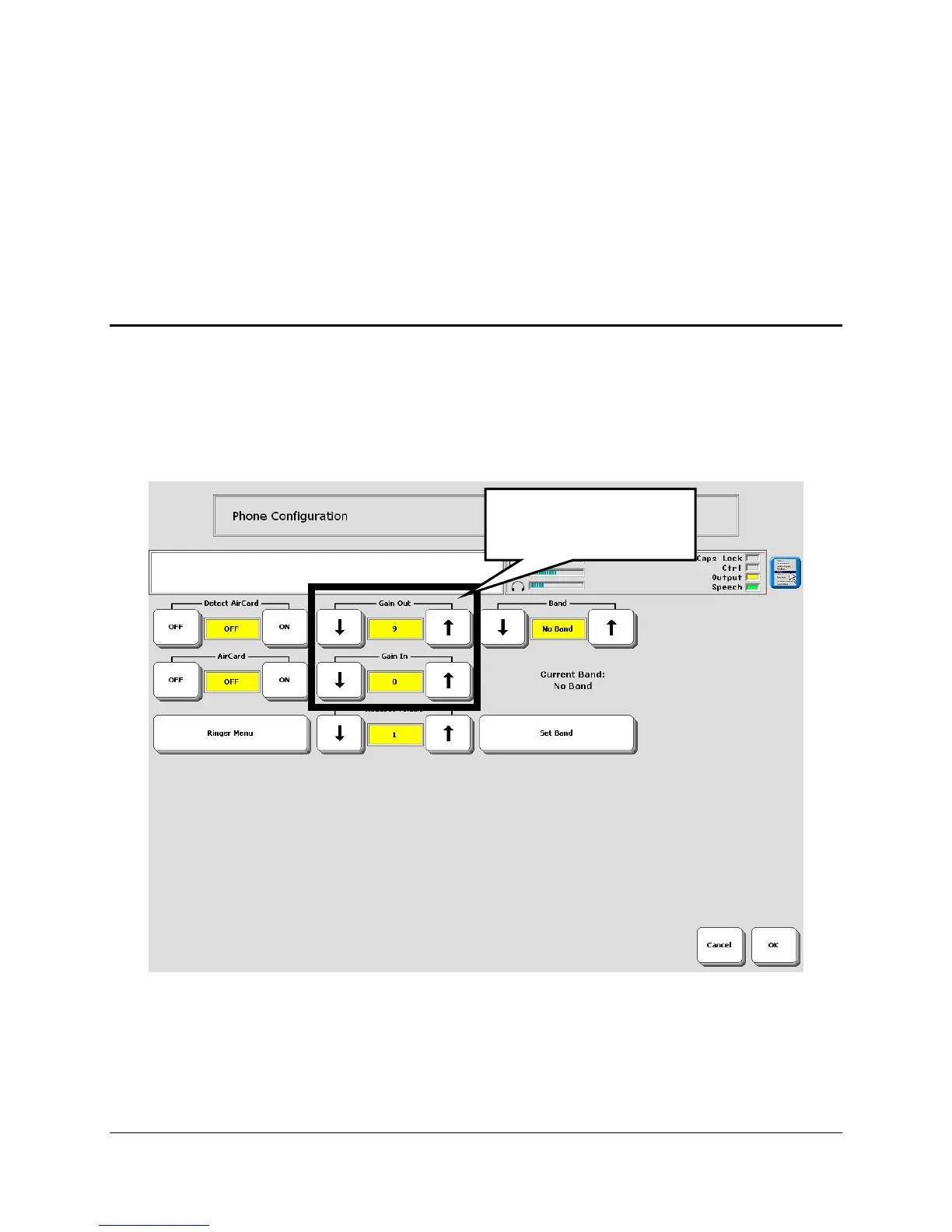
Adjusting Caller and Listener Volume
There are two options in the Configuration Menu that allow you to adjust the phone volume so
a listener can hear you better and/or so you can hear a caller better.
Activate the
Phone Configuration option on the Phone Dial Pad.
You see the
Gain In and Gain Out options.
Gain Out
If you have trouble hearing the person who is talking to you, turn this option up.
Gain In:
If the other person is having trouble hearing you, turn this option up.
Gain Out and Gain In
settings.



 To Next Page