MP3 PLAYER MENU
Eco Manual
228
Listening to Music with your Communication Aid (MP3,
WAV and WMA files)
WARNING: PRC reminds you that music files fall under the jurisdiction of all copyright
laws.
If you have sound files stored on a USB flash drive or your internal hard drive, you can play
them on your communication aid. Open the
MP3 PLAYER MENU in the Toolbox, go to your
flash drive or hard drive and select the options you want. You can play your songs; you can
create playlists; you can skip and repeat songs; you can talk while the songs are playing and
many other options.
Most of the Unity overlays contain an
MP3 Activity in the Activity row.
Select the
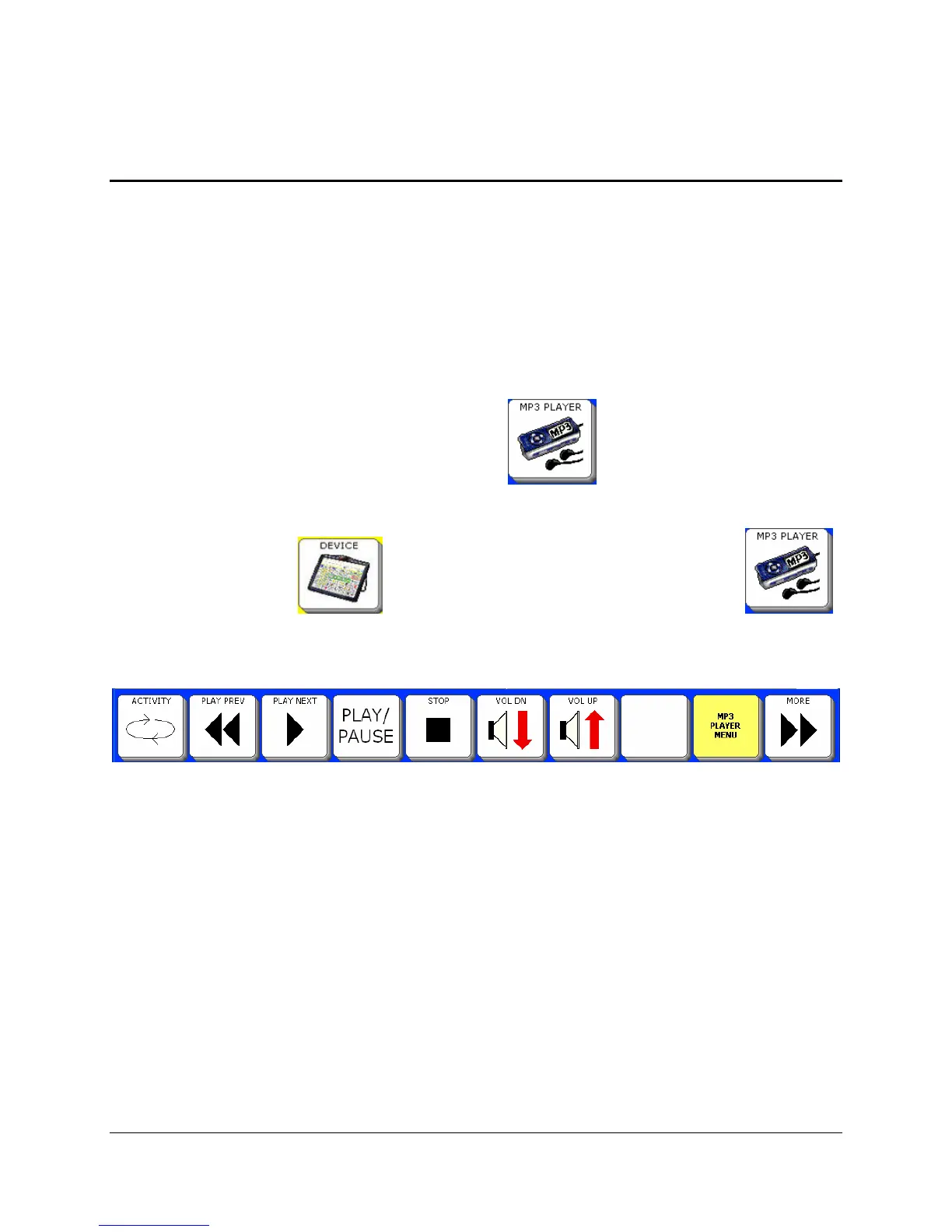
DEVICE key in the Activity Row. Then select the MP3's key .
You see the MP3 Activity Row:
In order to play music files you must have songs stored on your USB flash drive or the
internal hard drive.
While music is playing you may use your communication aid as you normally would.
If you purchased the ECO's optional Internal Computer, you can also use Windows
Media Player to listen to music



 To Next Page