APPENDIX G: MID-SEQUENCE CATEGORIES
Eco Manual
308
Appendix G: Mid-Sequence Category
This feature allows you to label keys within a sequence. Although it is called
Mid-Sequence
Category,
you can use it in sequences of any length. Let’s look at a specific example using the
Unity 144.
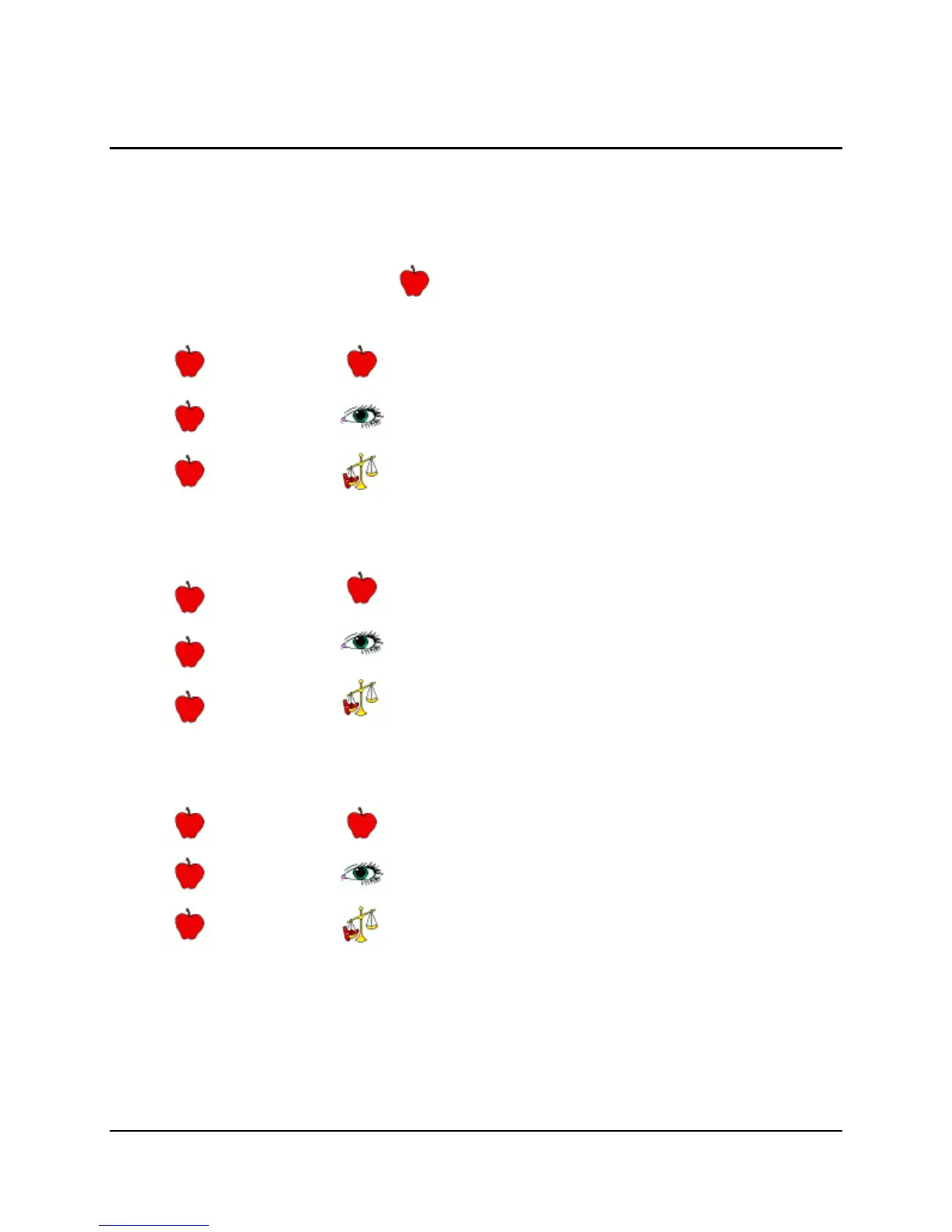
All FOOD vocabulary starts with the
and a second Core icon represents a sub-category. So,
the following examples show five categories of FOOD.
FRUIT
SEAFOOD
MEAT
Using
Mid-Sequence Category, it is possible to add a label to the second icon in the sequence.
FRUIT
FRUIT
SEAFOOD
SEAFOOD
MEAT
MEAT
You can also add a category label to the first icon of a sequence.
FOOD
FRUIT
FRUIT
FOOD
SEAFOOD
SEAFOOD
FOOD
MEAT
MEAT



 To Next Page