APPENDIX G: MID-SEQUENCE CATEGORIES
Eco Manual
309
Finally, the Mid-Sequence Category feature lets you change the icon.
FOOD
FRUIT
FRUIT
FOOD
SEAFOOD
SEAFOOD
FOOD
MEAT
MEAT
Storing a Mid-Sequence Category
This feature is just a special type of STORE operation. You use it by using the MID SEQ
CATEGORY
key instead of a STORE key. This means that the first thing you have to do is
make sure you have the
MID SEQ CATEGORY tool assigned to a key or sequence on your
overlay. Once you have assigned it, here is the procedure for storing FRUIT in the APPLE +
FLOWERS + ICON set.
1. Select your
MID SEQ CATEGORY key.
2. The prompt
Enter a partial sequence appears.
3. Select the keys to get to the one you want to label – in this case APPLE + FLOWERS.
4. Select
OK.
5. You see the prompt
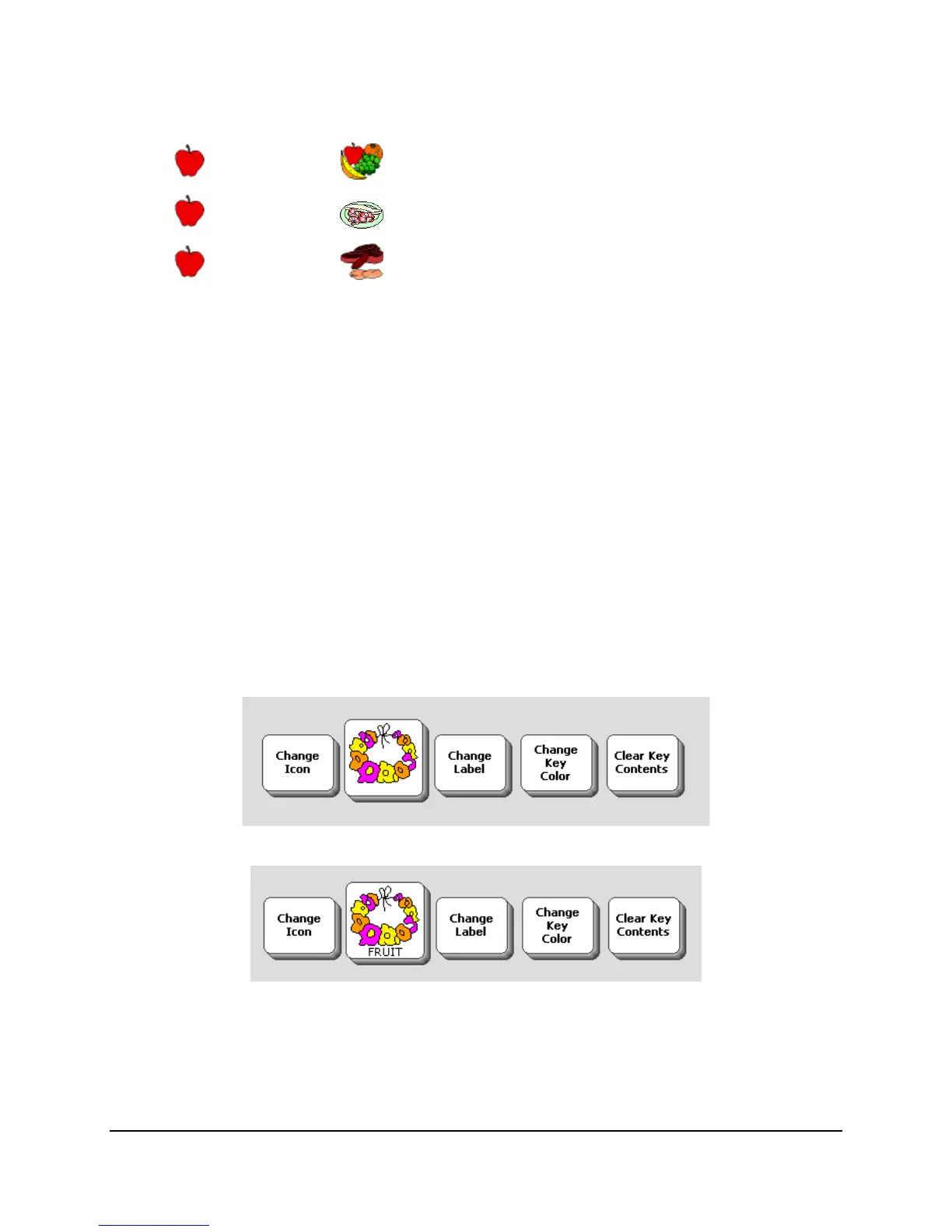
Modify key as needed, then select OK, and the actual key;
6. Select
Change Label, type FRUIT, then hit the OK button.
7. Select the
OK button at the bottom of the page and the operation is complete.



 To Next Page