ACTIVITIES
ECO Manual
114
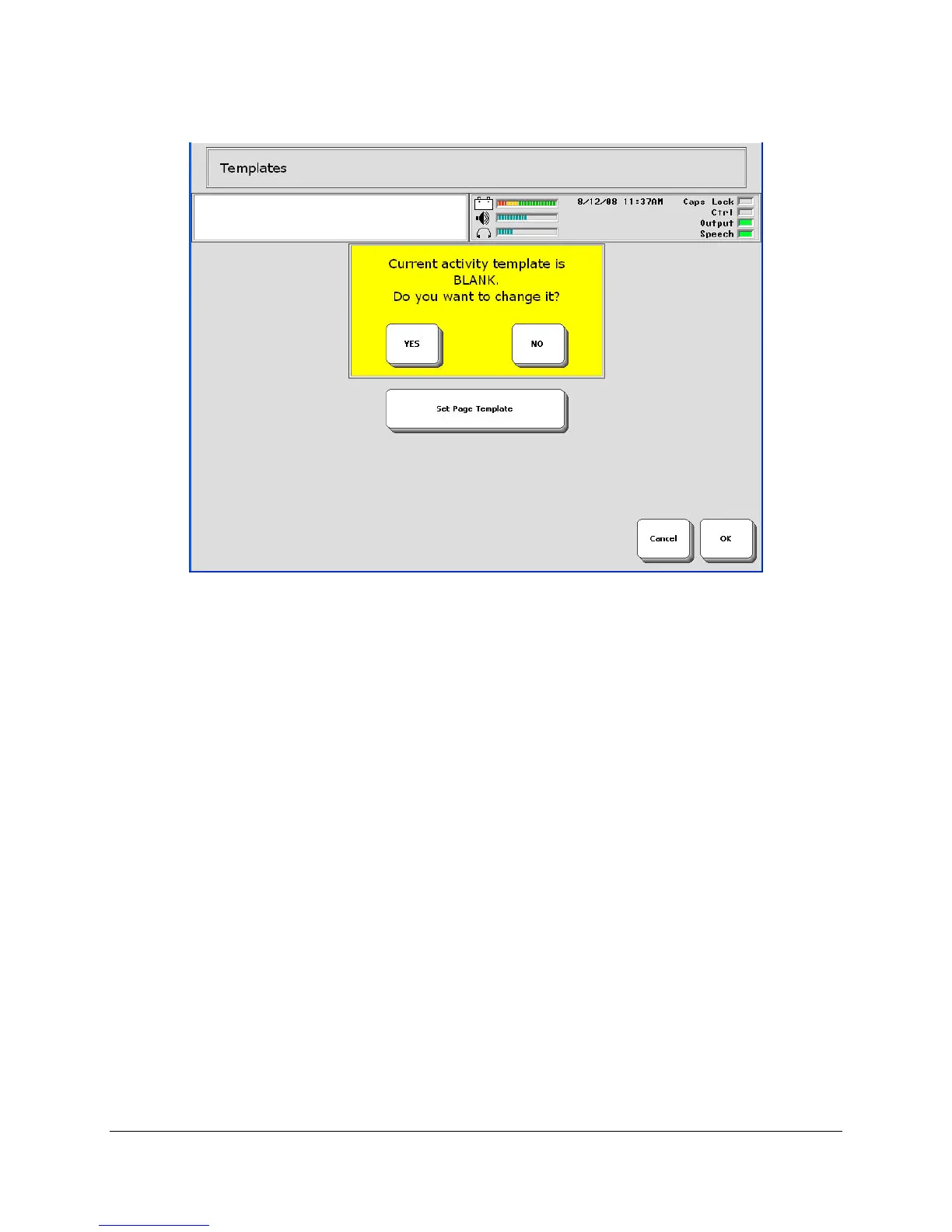
2. You see a message box that tells you the current template is BLANK or TEMPLATE (or a
name that indicates it is the default template) and asks if you want to change it. If you select
NO, the original default template will remain as your Activity template. If you want to use a
different template, select YES.
3. If you select YES, you see a screen that lists all the Activities for the overlay you are using.
4. You can select any Activity to use as a Template.
5. Once you have selected an Activity for a Template, activate OK.
Now when you create a new Activity, the template you selected will come up for you to work
from.



 To Next Page