PAGES
ECO Manual
159
In this example that would be the area that has the overlay you are most used to, let's say
Unity 60 Sequenced.
5. Now select the overlay size you want to expand to.
In this example, you would want to expand to an 84 or 144 location overlay. Then select
OK.
6. A message box appears asking if you want to expand all pages to 144 locations. If you want
every activity and page in your overlay to be expanded into 144 locations, select YES in the
message box. Select NO if you only want the original overlay expanded.
7. A message box will appear telling you the expansion is complete.
8. Activate OK.
9. Activate OK. Activate OK again to exit the USER AREA MENU.
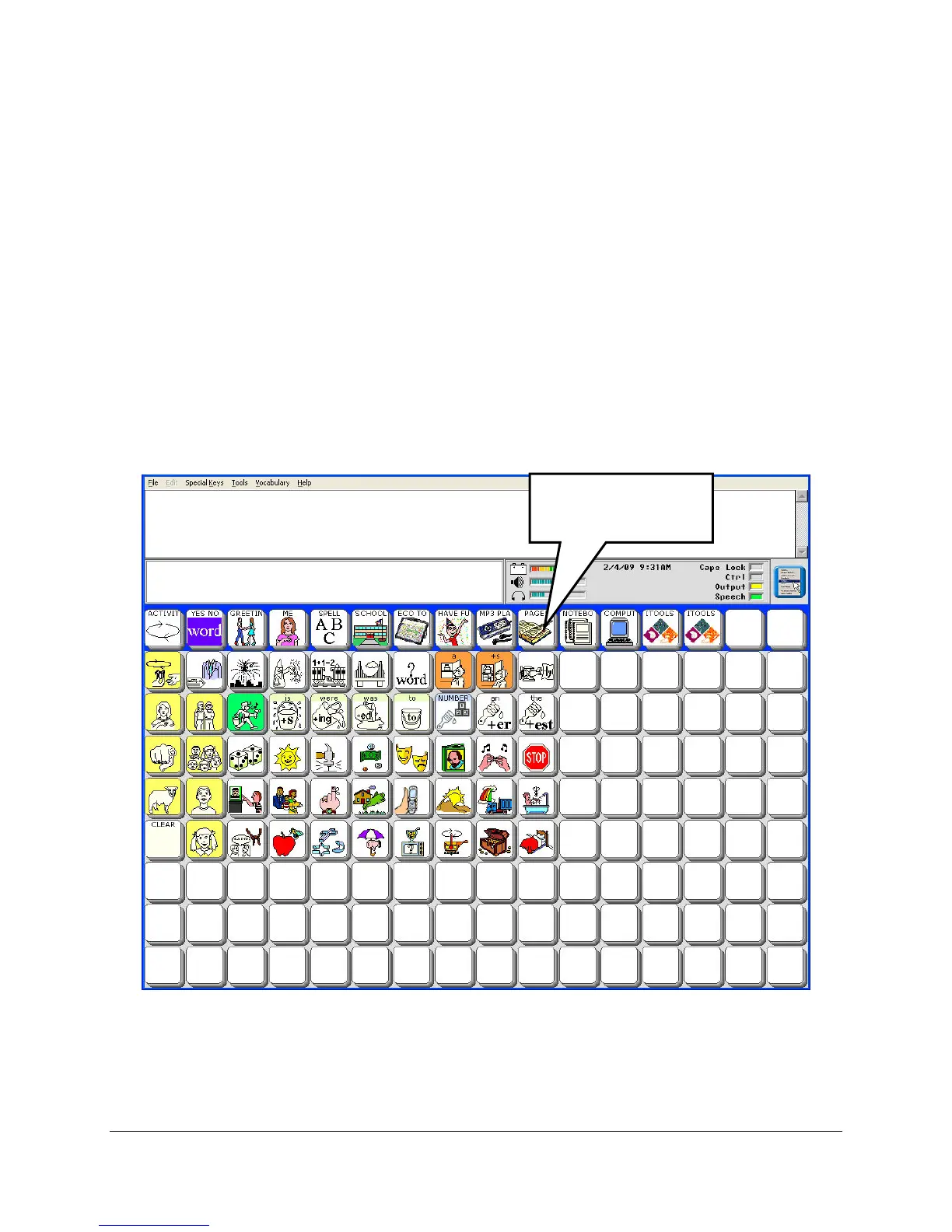
The next time you go to your Unity 60 Sequenced overlay it should look like the picture below:
Select the PAGES
key.



 To Next Page