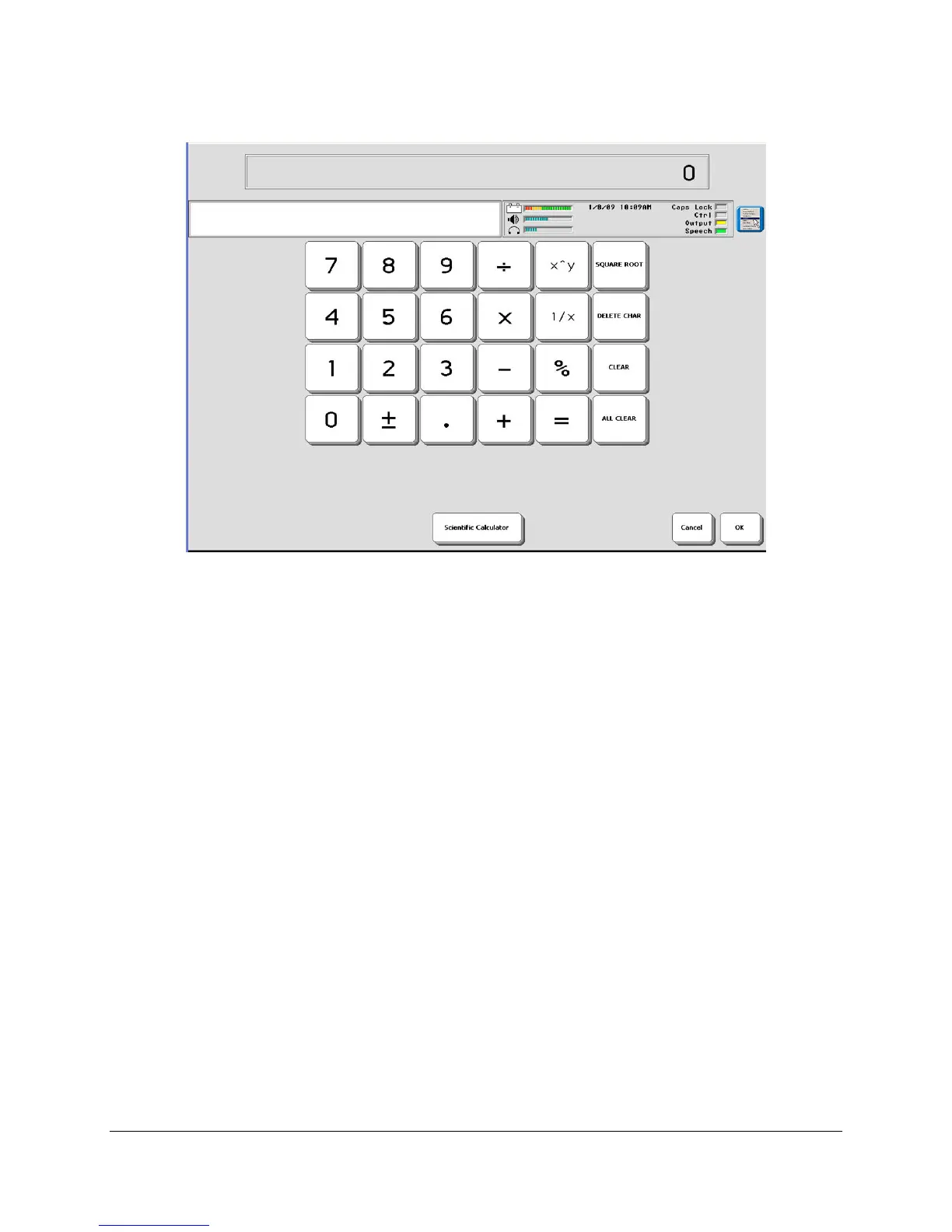
CALCULATOR
Eco Manual
197
An Addition Problem:
Open the CALCULATOR in the TOOLBOX.
Activate the ALL CLEAR key.
Activate 2+2=4. Did you notice that each time you activate a new key, the screen clears and the
latest number is added to the screen? When you activate the = key, the answer to the problem is
visible in the display.
A Square Root Problem:
Activate the ALL CLEAR key.
Activate 4.
Activate the SQUARE ROOT key.
The number 2 appears in the display area.
If you make a mistake: activate the CLEAR or DELETE CHAR key to clear the last entry.
Activate the ALL CLEAR key to clear the entire problem and to start over.
See more examples on the next page.



 To Next Page