USING THE CORE VOCABULARY OVERLAY
ECO Manual
106
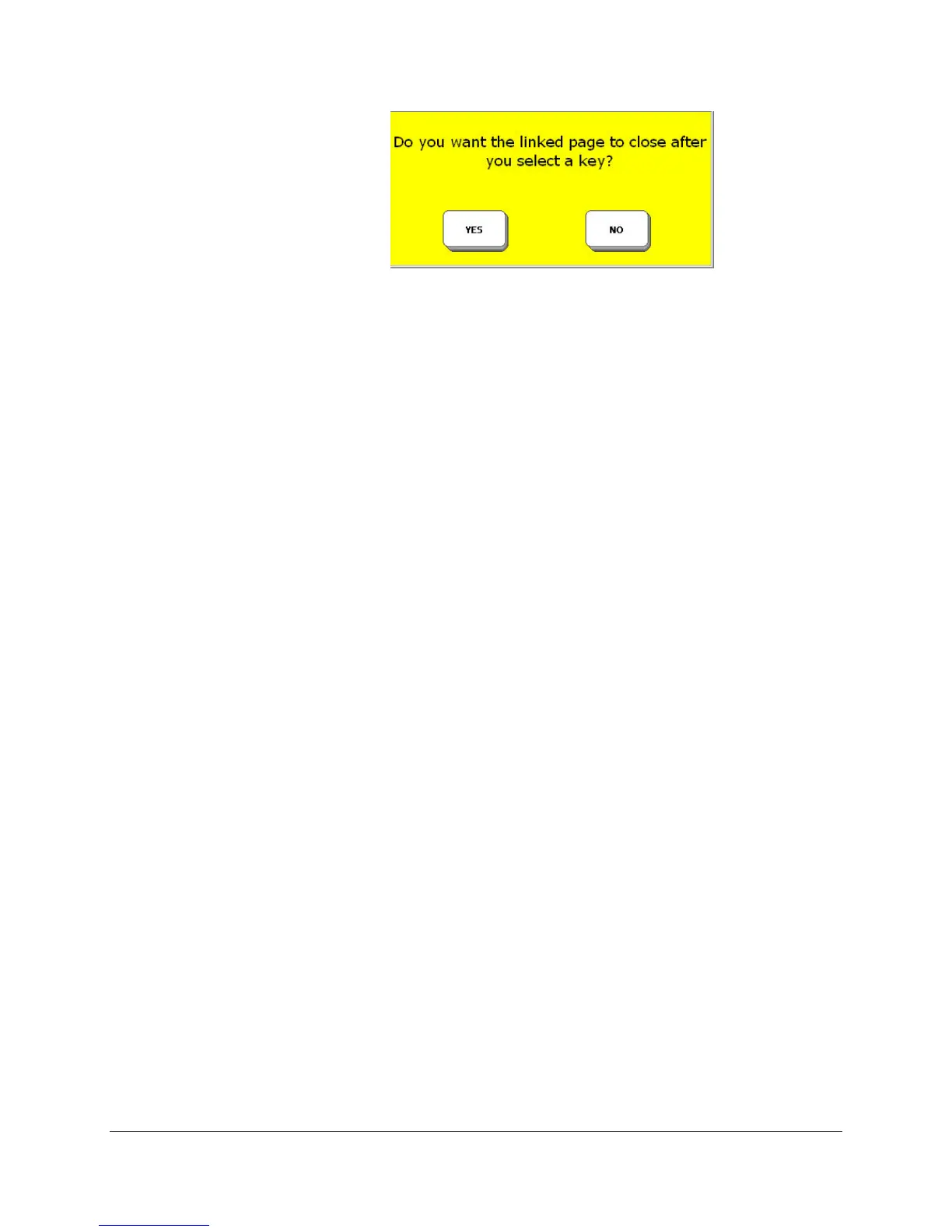
6. You see a yellow message box:
If you select YES, you can go to the page that you linked your sequence to, make one
selection from the linked Page and then automatically return to your original screen.
If you select NO, you go to the linked Page and remain on that page.
7. You see a list of all the Pages in your device. Select the Page you want to link to.
8. Select OK.
9. Select Change Label to change the label.
10. Select Change Icon to change the icon.
11. Select OK when you are finished.
Now when you activate the sequence you selected you should go to the page you just linked to.



 To Next Page