PAGES
ECO Manual
145
5. Select the drive you want. Select the graphic you want to use, then select OK.
6. You can choose Rename Scene and give the graphic a new name if you want. You can
change the Aspect Ratio if you want. You can experiment with this to see what it does.
Usually, maintaining the ratio is fine for most graphics.
7. Select OK when you are finished.
8. Select OK to exit the TRANSFER MEMORY MENU.
9. In the Toolbox, select CREATE PAGE.
10. Spell in a name for your page and select OK.
11. Select the number of locations you want. You can use a template or an existing Page. Scenes
generally look best on overlays with lots of keys, so you might want to just select the 84 or
144 overlay. Select OK.
12. Select any key.
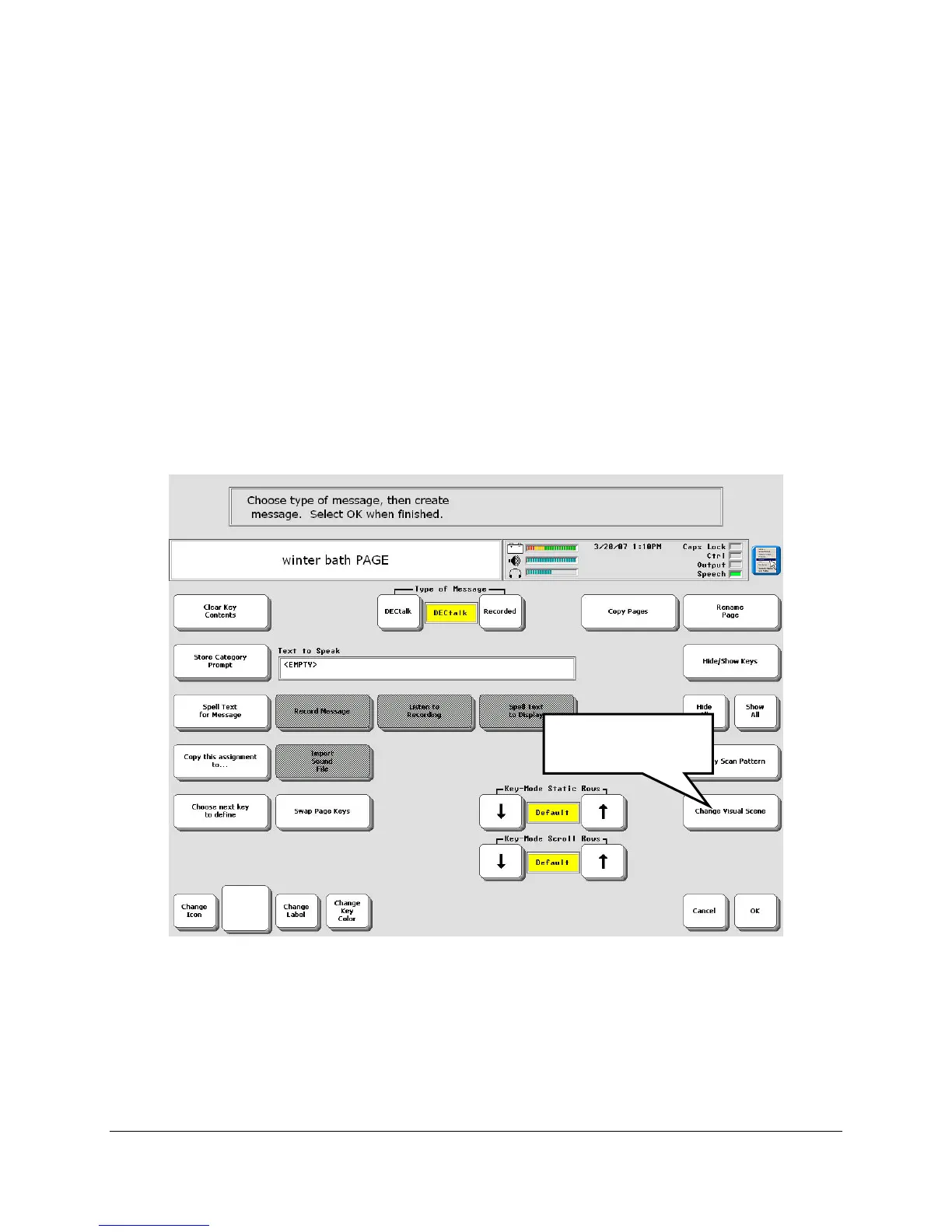
13. You see the Create/Modify Page screen. Select Change Scene
Select Change
Scene



 To Next Page