PAGES
ECO Manual
161
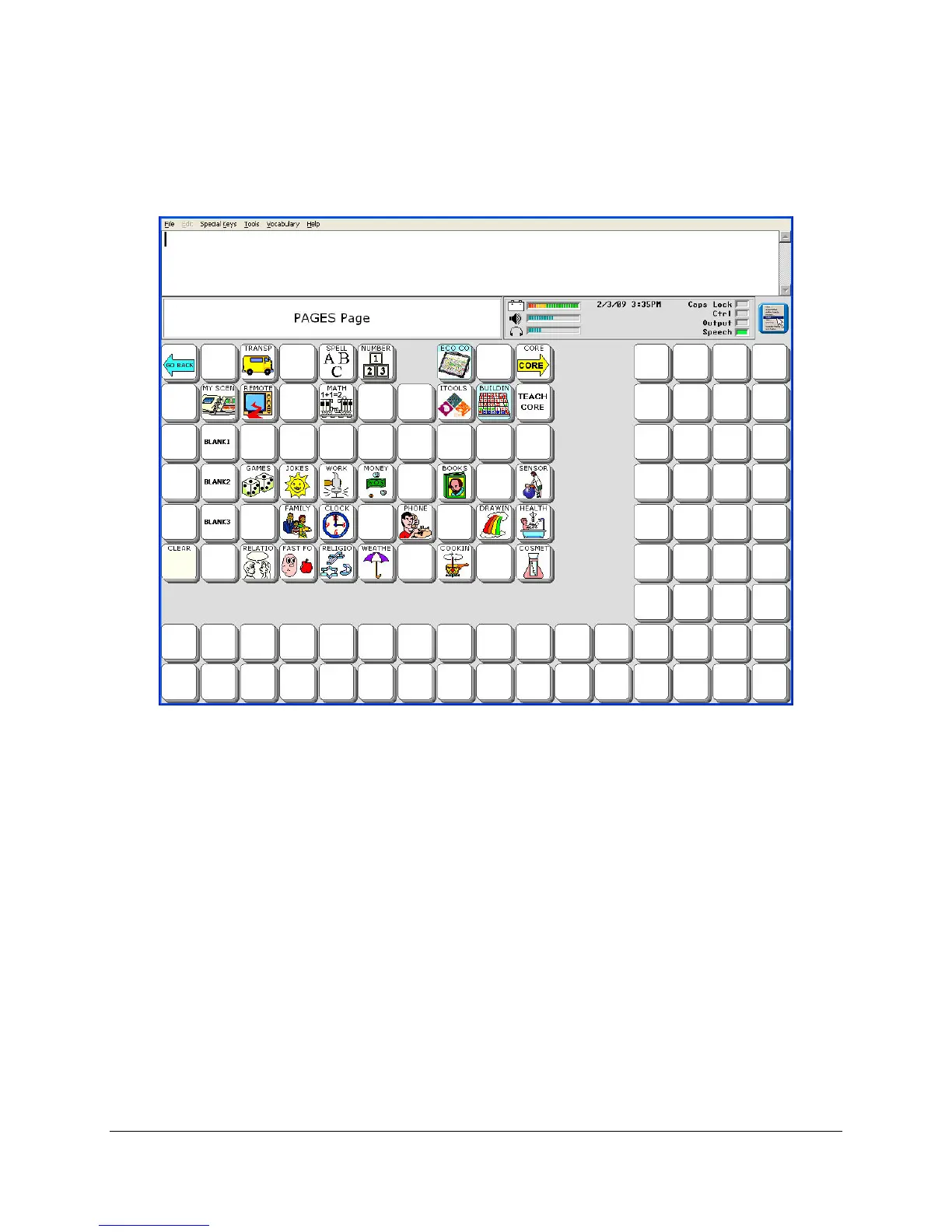
If you selected YES to have the Pages in the User Area expanded, the PAGES page will look
like this:
Now you will only have to assign the blank keys, not the entire overlay.
The same steps apply to Expand a Page. The pages you will see to choose from will belong to
the User Area you are currently in. If you want a page from a different Area, you will have to
switch to that Area first, then active Expand a User Area or Page.
If you decide you do not want an expanded Area you can return to your original overlay by
using the Replace Area option in the USER AREA menu.



 To Next Page