STORE/ASSIGN TOOLS
ECO Manual
170
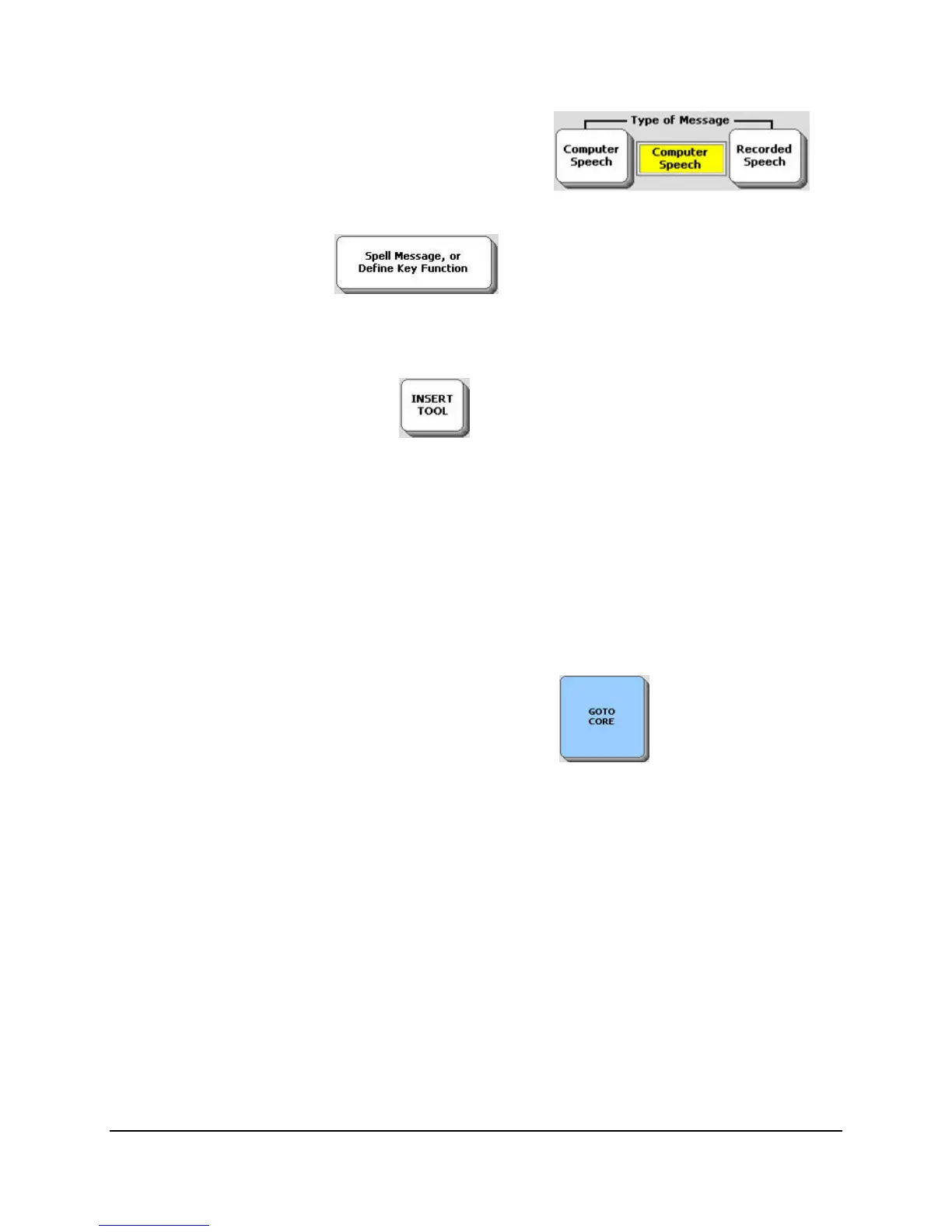
5. Select Computer Speech in the Type of Message box .
6. Select Spell Message… .
7. You see your Spelling overlay.
8. Activate the INSERT TOOL key .
9. You see the first page of the All Tools List. The Tools are arranged alphabetically on the
screen. Activate the CALL Tool.
10. Type: Charge!
11. Activate OK.
12. Activate OK on the storing screen.
13. You are back in the Toolbox. Activate GO TO CORE .
14. Make sure your speech is On. Activate the sequence you stored the macro under. Your
device should play the CALL signal and speak, "Charge!"



 To Next Page