INTERNAL COMPUTER
Eco Manual
251
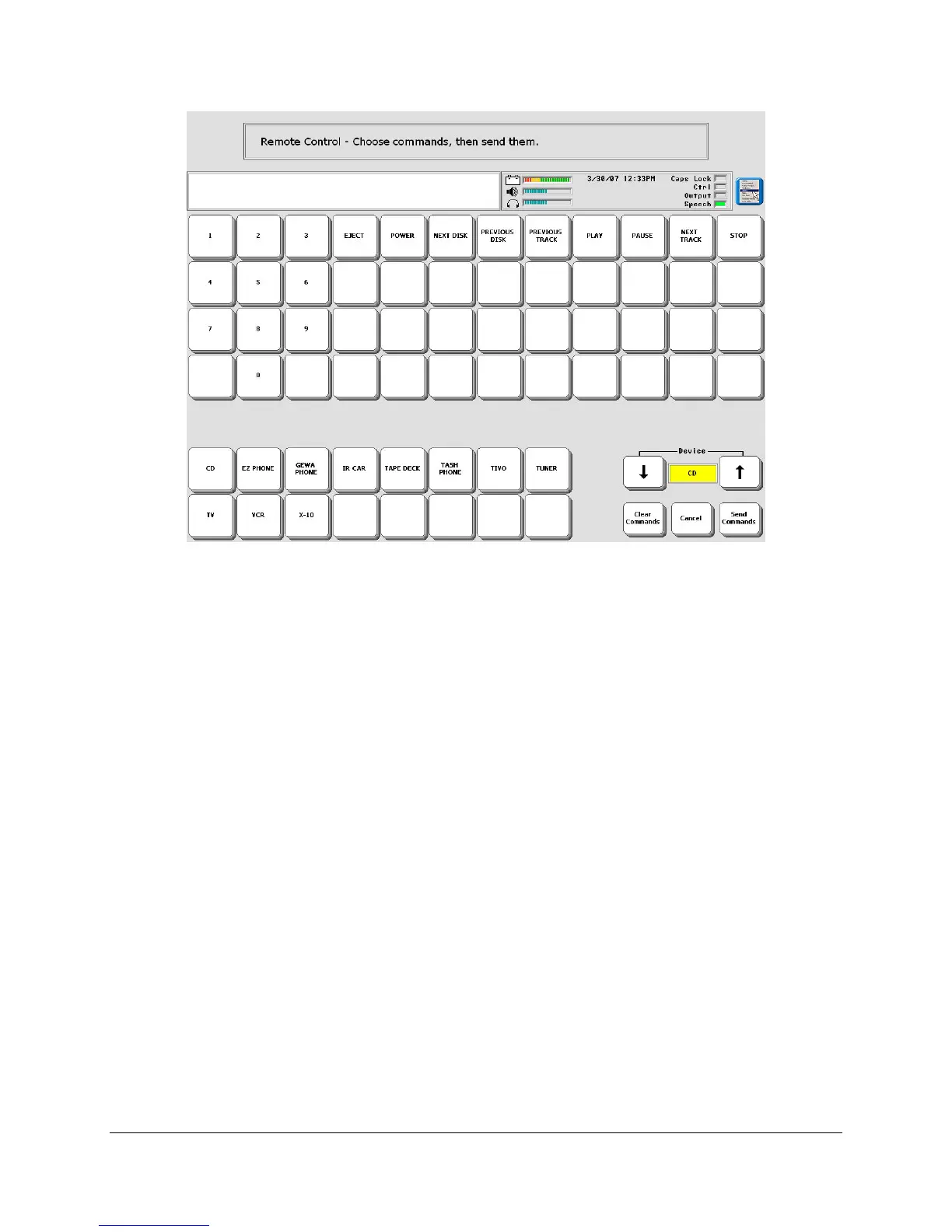
To use the
IR REMOTE page, you must first teach the ECO the IR signals for all the devices
and functions you want to use. Do this through the
IR SET UP MENU as described earlier.
Then using
INSERT TOOL, store or assign the IR REMOTE Tool to your overlay.
The bottom two rows contain the default devices you can select. You can also select a device in
the
Device box to the right. When you select a device, the functions for that device will appear
in the top rows on the page. Select the function you want and then select the
Send Commands
key in the lower right corner of the screen. This sends the command. If you pick the wrong
function to send, select the
Clear Commands key and pick a new function.



 To Next Page