INTERNAL COMPUTER
Eco Manual
259
Color Coding
The keys outlined in light blue open up a new Page that allows you to use the program (e.g.,
Word Pad, MS Word, the Calculator, etc.).
The
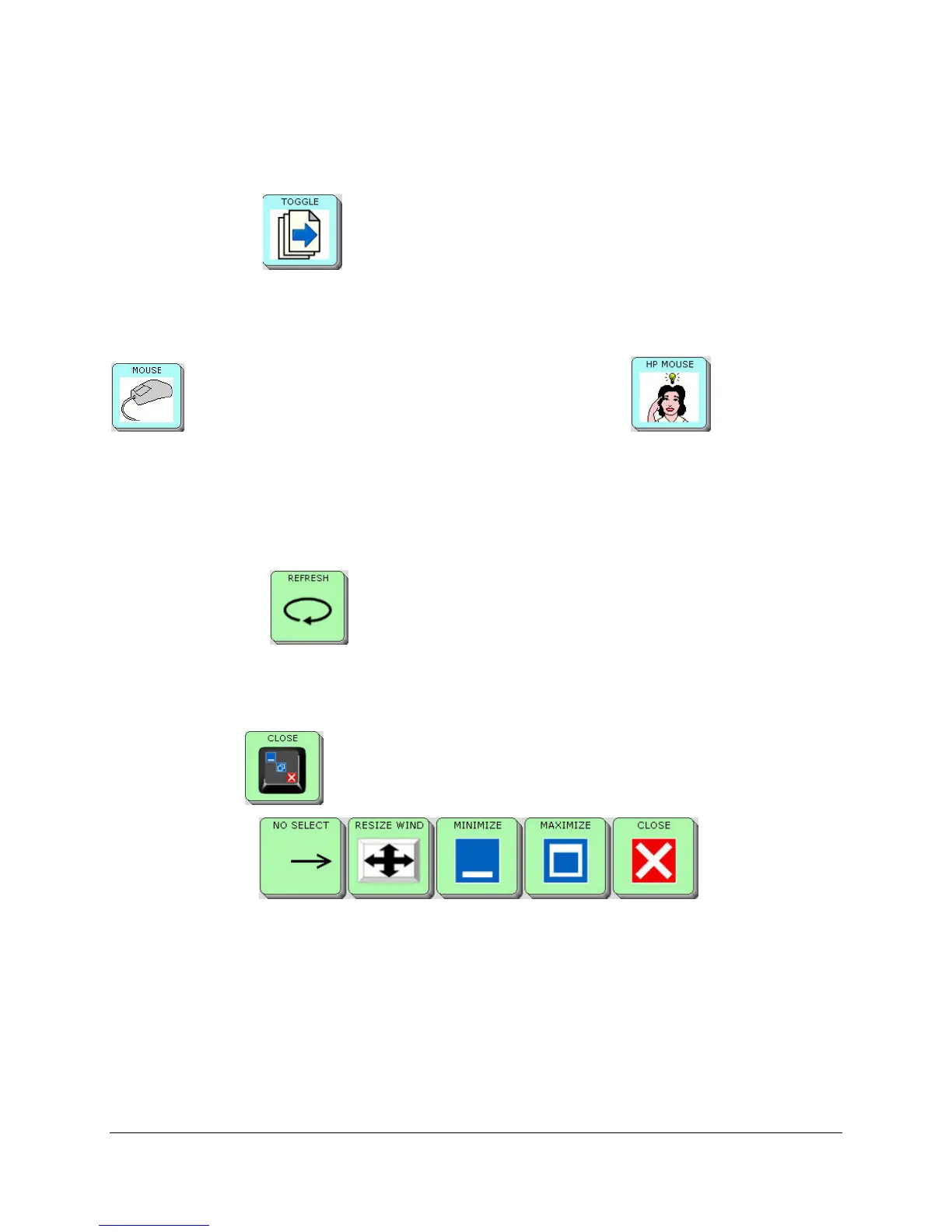
TOGGLE key allows you to switch between open applications. If you select the
application on top, the focus will be on that application.
There are two
MOUSE keys that will take you to the MOUSE Page. The regular MOUSE key
is for scanning and direct selection. The HP MOUSE key is for the
Madentec Tracker™ headpointer. You can copy and paste the HP MOUSE key to other
locations by plugging your mouse into the ECO and right click to find the menu for Setup.,
Copy, Cut and Paste.
The keys with the
solid light green background are tools for ECO computer operations.
The
REFRESH key returns computer focus to the open window on your ECO
desktop. When you select this key it sends the mouse cursor to the top center of the ECO
desktop.
The
CLOSE key gives you 5 more keys that allow you to manage window sizes and
close applications.
. The NO
SELECT key allows you to return to your Computer Programs overlay.
There are many keys on the Computer Programs Page for applications that you may not use. You
may either hide these unused keys or clear them out to make room for links to other Pages.



 To Next Page