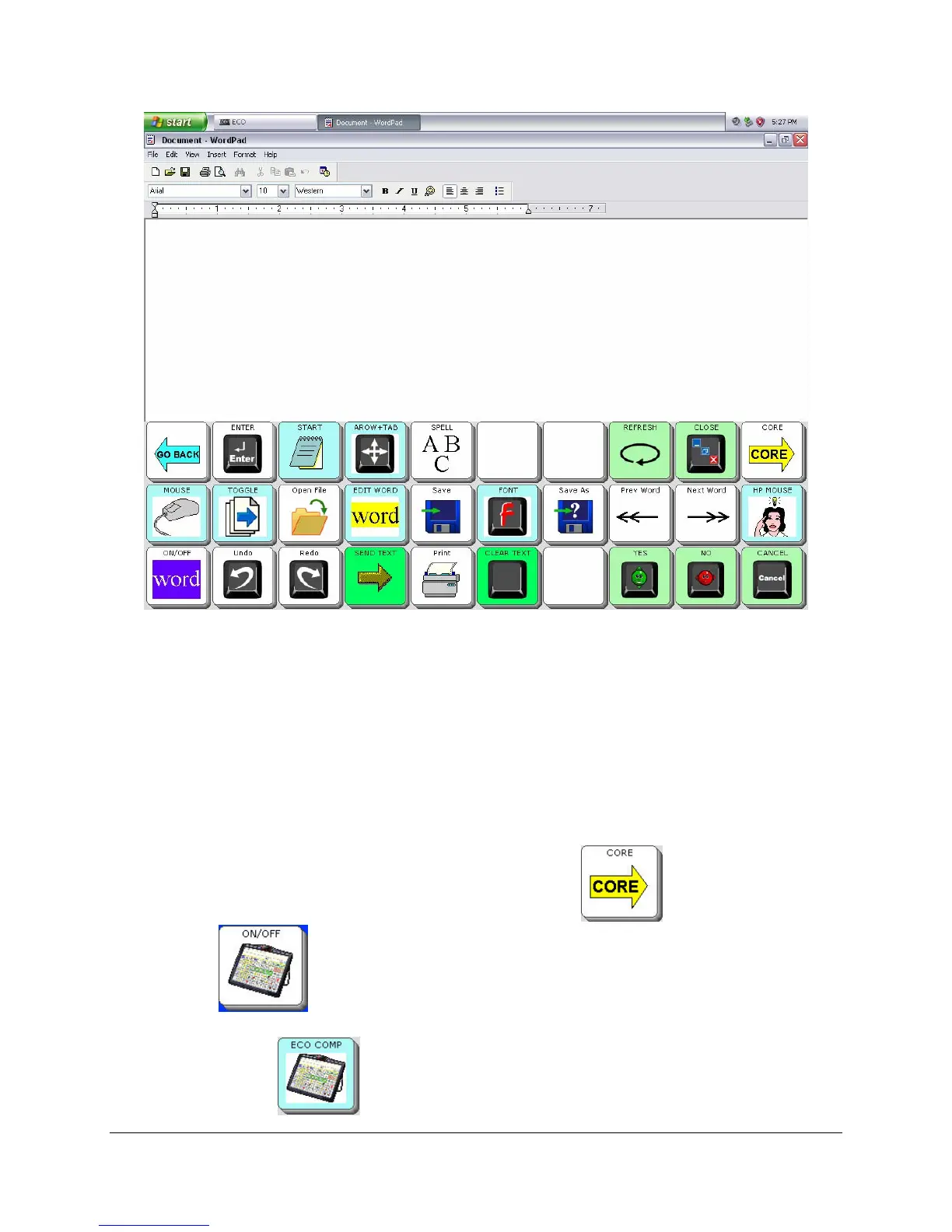
INTERNAL COMPUTER
Eco Manual
261
You can use your overlay keys or go to your Spelling page to enter text into Word Pad.
Sending Text to the Computer Application
When
Output is On and you have a Windows program open, any text you generate will be sent
to the current active Windows program. So if you have a word processor open, text will be going
to the word processor; if you have a spreadsheet open, data is going to the spreadsheet; and if
you have an e-mail program open, you are writing into your e-mail document. This is the case
whether you are generating text from your overlay or the in the Windows program itself.
If you want to stop and talk to someone, select the
CORE key . Then select the
ON/OFF key to turn the Output off. Now you can talk and text in the Text Display
Area will not go to your internal computer. When you are ready to return to Word Pad, select
the
ECO COMP key .



 To Next Page