APPENDIX D: MODIFY SCAN PATTERN
Eco Manual
289
Treat Block As...
There is one more feature to point out and that is the option to treat a scannable block as either a
block or a key. The difference is based on what exactly a “block” is. Technically, it is a group of
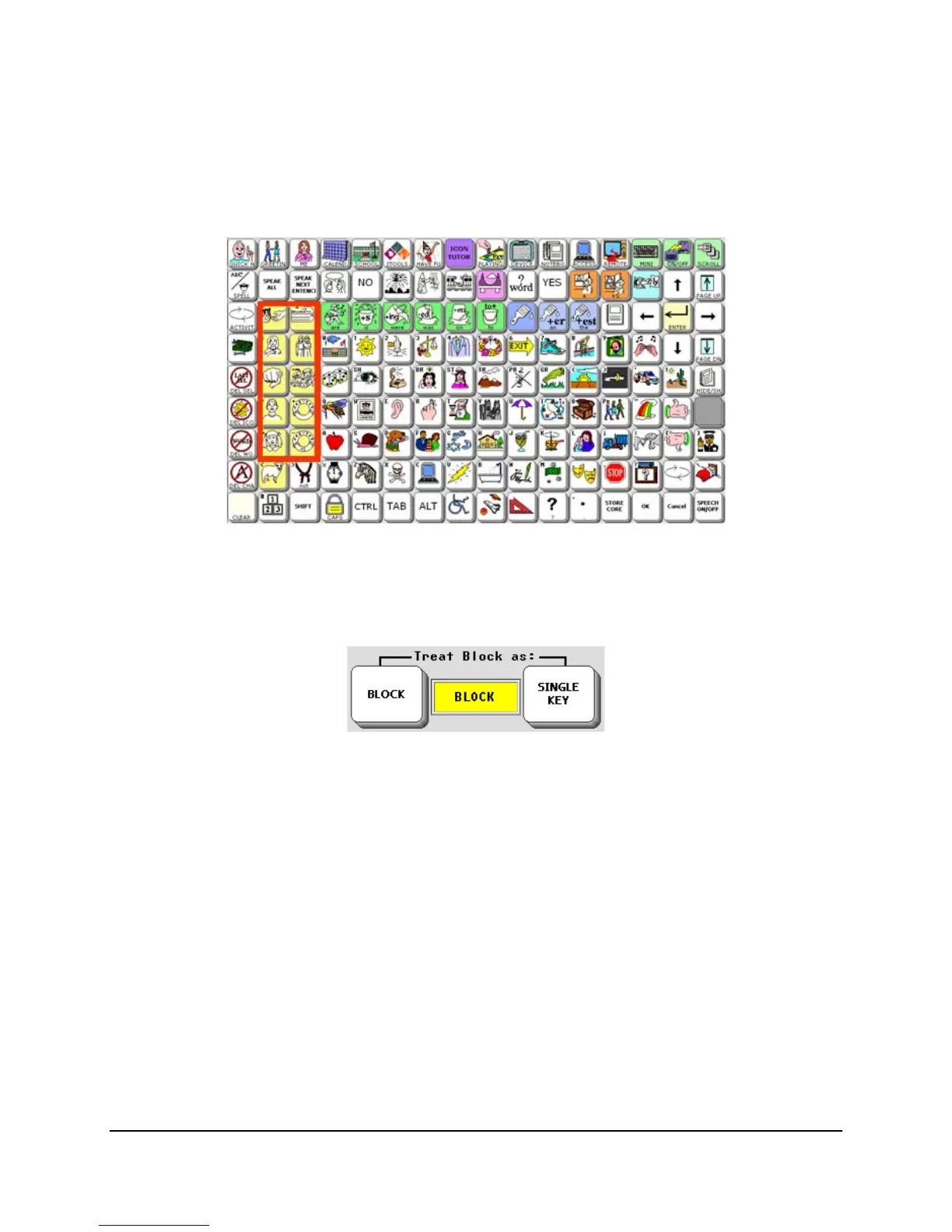
keys that can be scanned as a whole but then scanned, key by key, within the block. So if you
have defined a block of pronouns like this:
Your scan will highlight it as such, but when you hit your switch to select, the scan will operate
as row/column, column/row, or linear within the block, depending on your scan setting.
Now, you can also use the following setting:
The default of
BLOCK means that if you select the block, you can scan within it to specific
keys. If you switch to
SINGLE KEY, when you select the block, it will act as a large, single key
and will do whatever is stored in the
top-right location.
This is how we can scan blocks within blocks in scenes. Technically, in the example above, we
have the word “sky” programmed at
Row 1 Column 1. Similarly, “barn” is stored at Row 3
Column 1
, “house” at Row 4 Column 11, and “farmer’s wife” at Row 4 Column 9.



 To Next Page