APPENDIX E: PAGELETS
Eco Manual
291
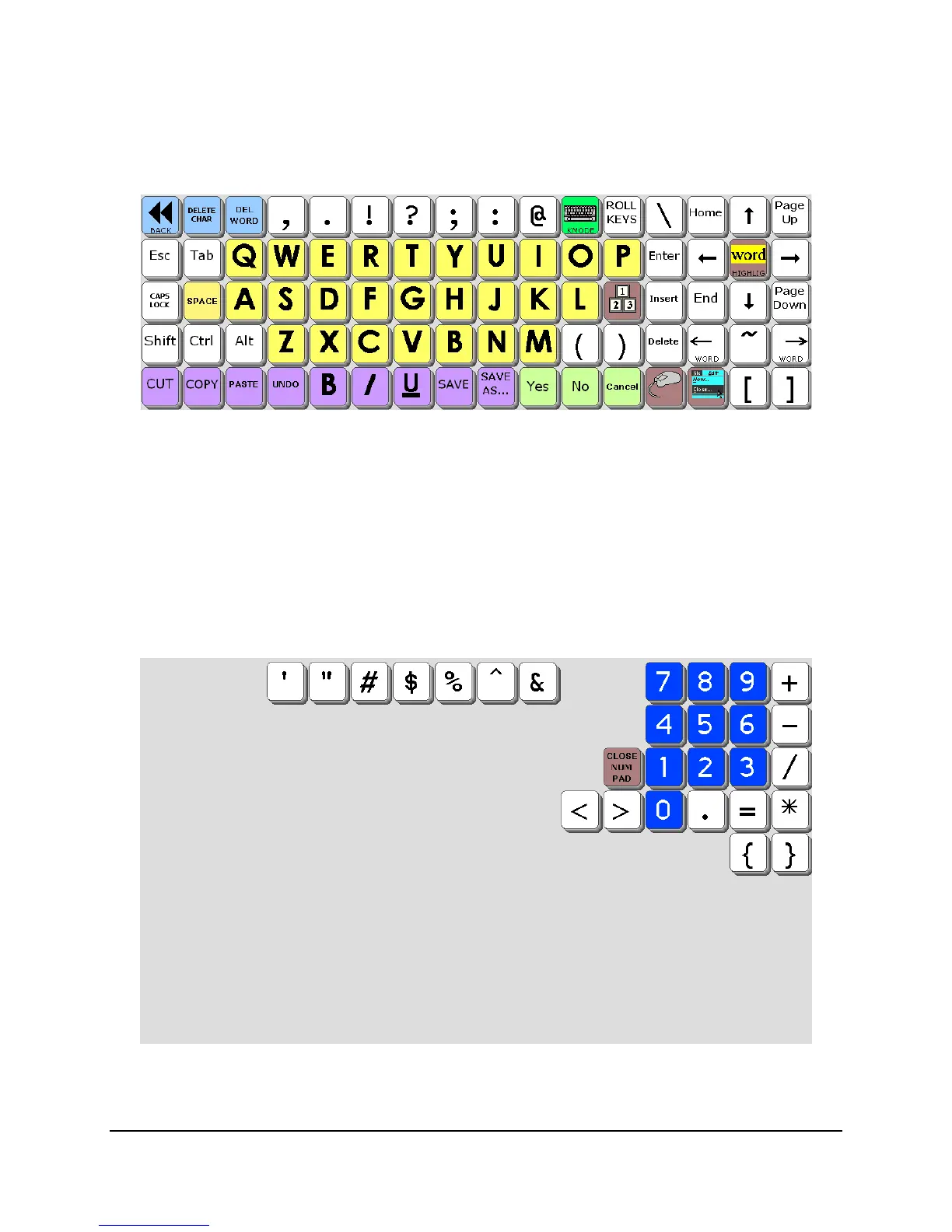
Remember, to see the overlay keys and the Windows program at the same time, it’s a good idea
to go to
Key Mode (or ECO in Unity) where only the top five rows of keys are visible.
These keys were chosen because they represent functions that are used frequently in Windows,
but what if you suddenly need to use the number pad? One solution might be to create a second
version of this
COMP KEYS page and add the number pad over on the top left, then link to that
page temporarily.
However, another option is to make a
pagelet – a page that contains a small number of keys that
can “sit on top” of a parent page. Here’s the actual number pad pagelet:
What you do is program the keys you
want to see, then use HIDE KEYS to hide all the blank
keys you
don’t want to see. When you then link to this pagelet, ONLY the unhidden keys are
seen; the hidden keys become transparent and you can “see” through to the underlying parent



 To Next Page