APPENDIX E: PAGELETS
Eco Manual
293
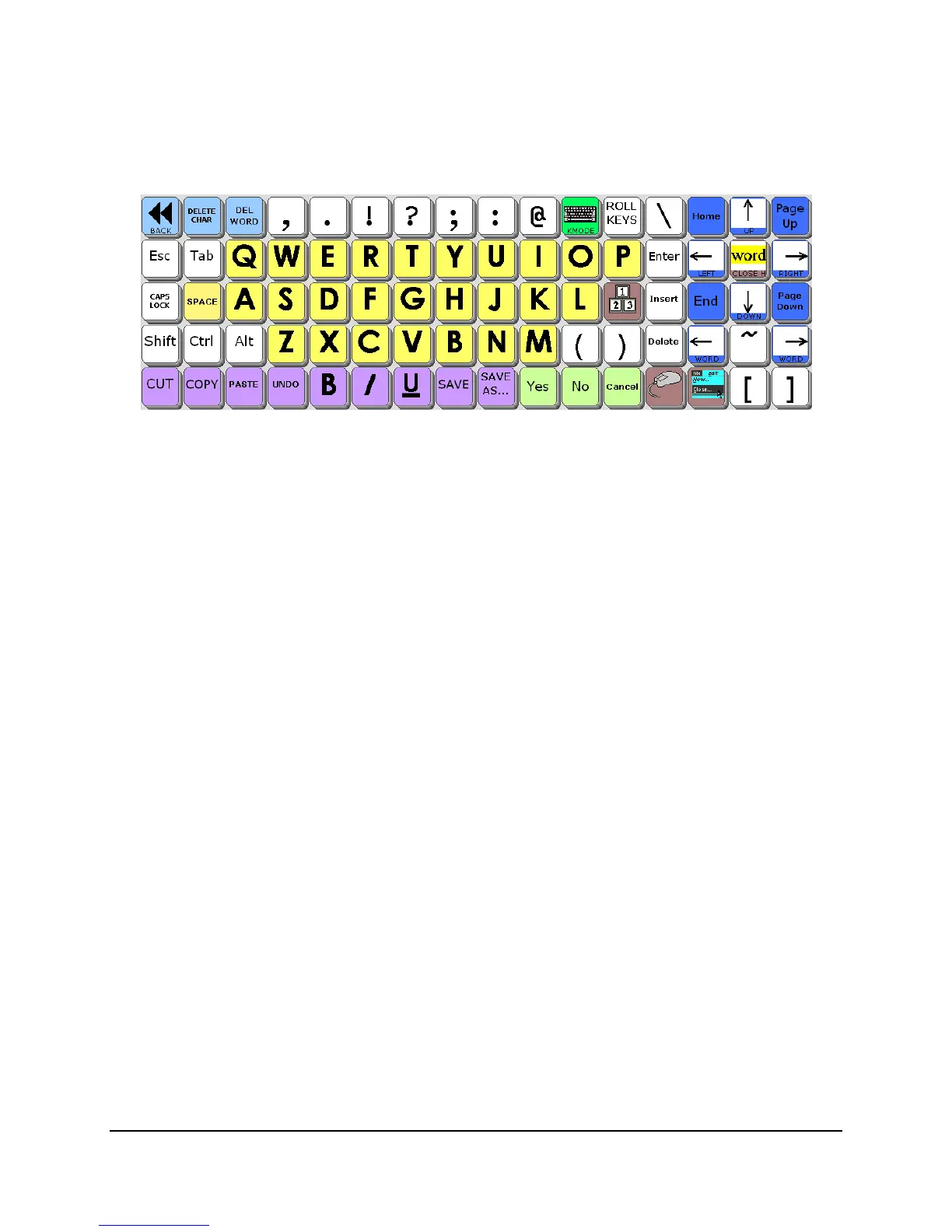
Clicking the “menu” key brings up that top row of menu buttons. And look what happens if you
hit the “HIGLIGHT” key right in the middle of the arrows on the top right:
You can now use those keys to highlight things in XP documents or notebooks.
As you can see, each pagelet simply replaces a small number of keys on a parent page. This
makes it easier to program page functions.



 To Next Page